A Hospital Employee Shares An iPhone Trick That Could Save Your Life
By
Editorial Staff in
Facts
On 17th January 2016
A hospital employee posted on Facebook about an iPhone feature that could potentially save your life in an emergency situation.
Many people don't realize that you can set up a "Medical ID" on your device if you have the health app that comes free with all iPhones.
#2
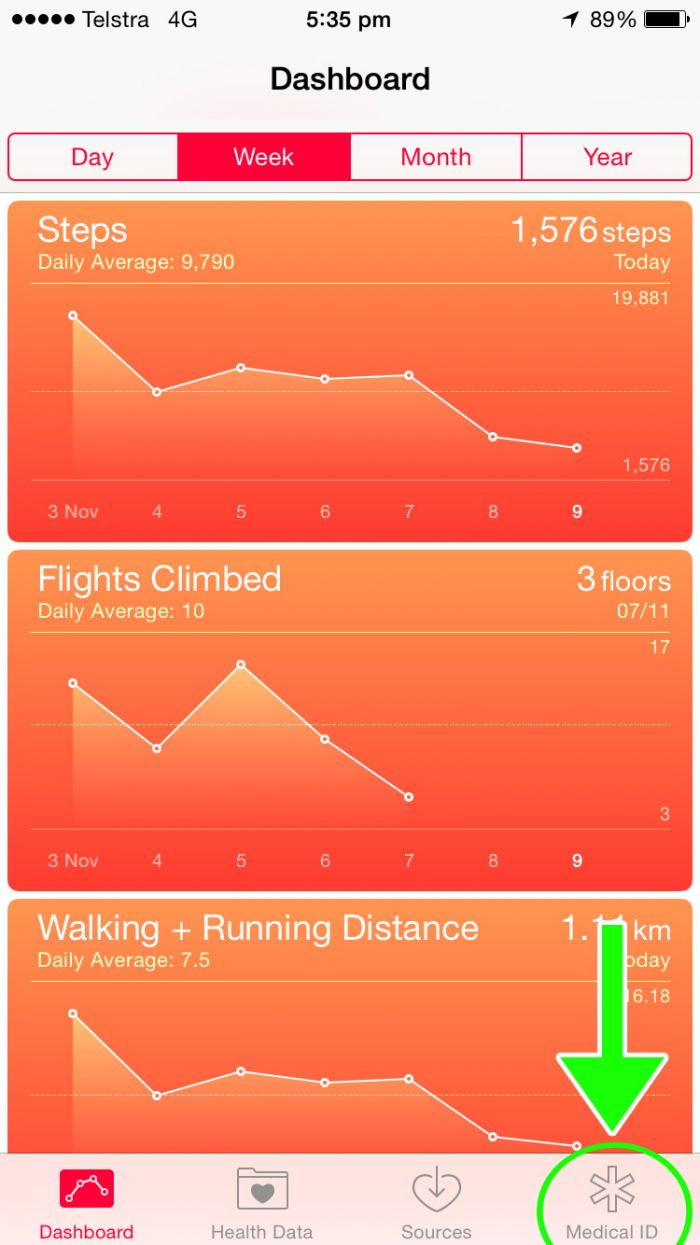
Once you open the Health app, a menu bar appears at the bottom of the screen. At the far-right of the menu bar is a "Medical ID" icon that you tap to enter any necessary emergency information.
#3
Once on the Medical ID screen, you can fill in categories such as Medical Conditions, Blood Type, Allergies & Reactions, and Medications - anything that might help an emergency responder treat you in an urgent situation.
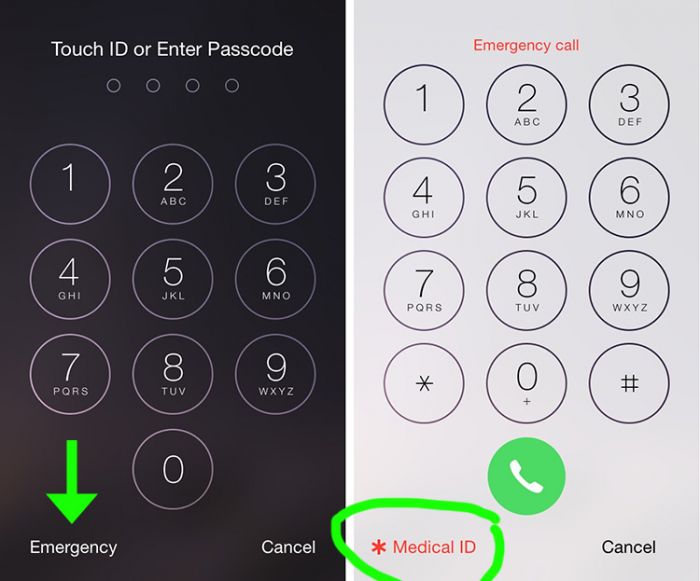
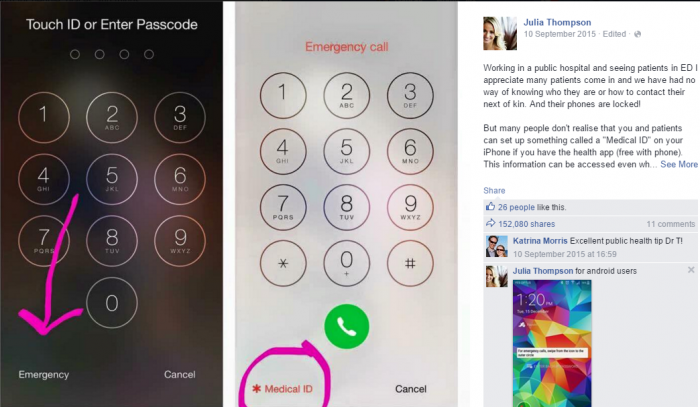
Once you fill out this information, you can access it even from your locked screen, as shown below.
#4 Employee's Facebook Post
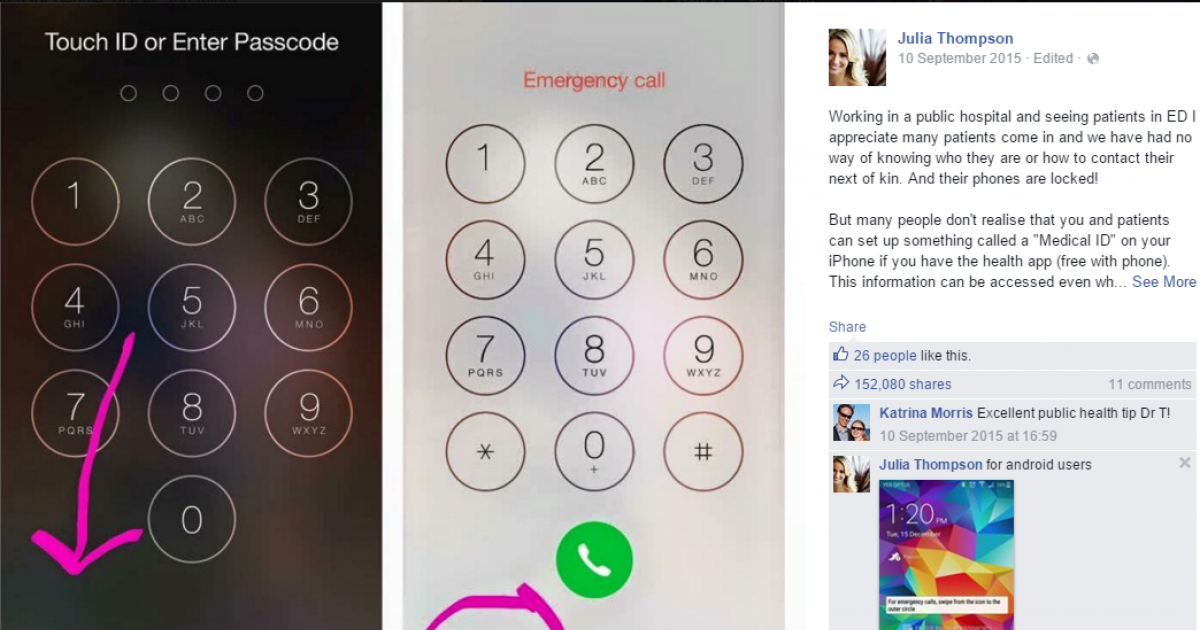
"Working in a public hospital and seeing patients in ED I appreciate many patients come in and we have had no way of knowing who they are or how to contact their next of kin. And their phones are locked!
But many people don't realise that you and patients can set up something called a "Medical ID" on your iPhone if you have the health app (free with phone). This information can be accessed even while the phone is locked by clicking on the emergency options and can display things like name, DOB, emergency contacts, medical conditions and even blood type and donor status. You can even add notes.
It can be managed by clicking on the little "Health" app that comes default on the phone (heart icon and then in the app go to the little star shape with medical ID) and given everyone I have spoken to today has never heard of it it seemed like a social media share kind of moment!
But don't simply share it-update yours also!!
(I believe android have an app called ICE/in case of emergency that works similarly and if you don't like apps don't forget the going to the good old fashioned owner information, enter your emergency contact and "I.c.e" as the owner and tick the "show owner information on lock screen")