

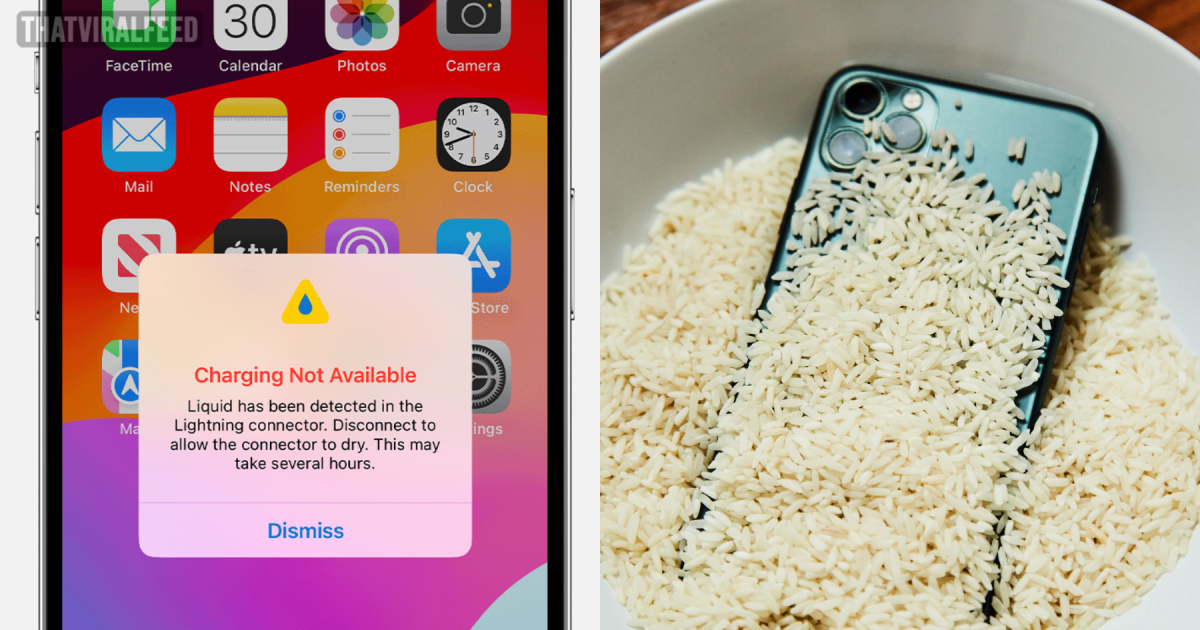
So, your phone took a dive and now it's soaking wet. What’s your go-to move?
advertisement
If you’re like most of us, you're probably sprinting to grab a big bag of rice, dumping it into a bowl, and then sticking your phone right in the middle, hoping for a miracle.
Sounds about right, doesn't it?
Well, turns out, that’s not such a great idea.
In fact, Apple has specifically told iPhone users to skip the rice trick.
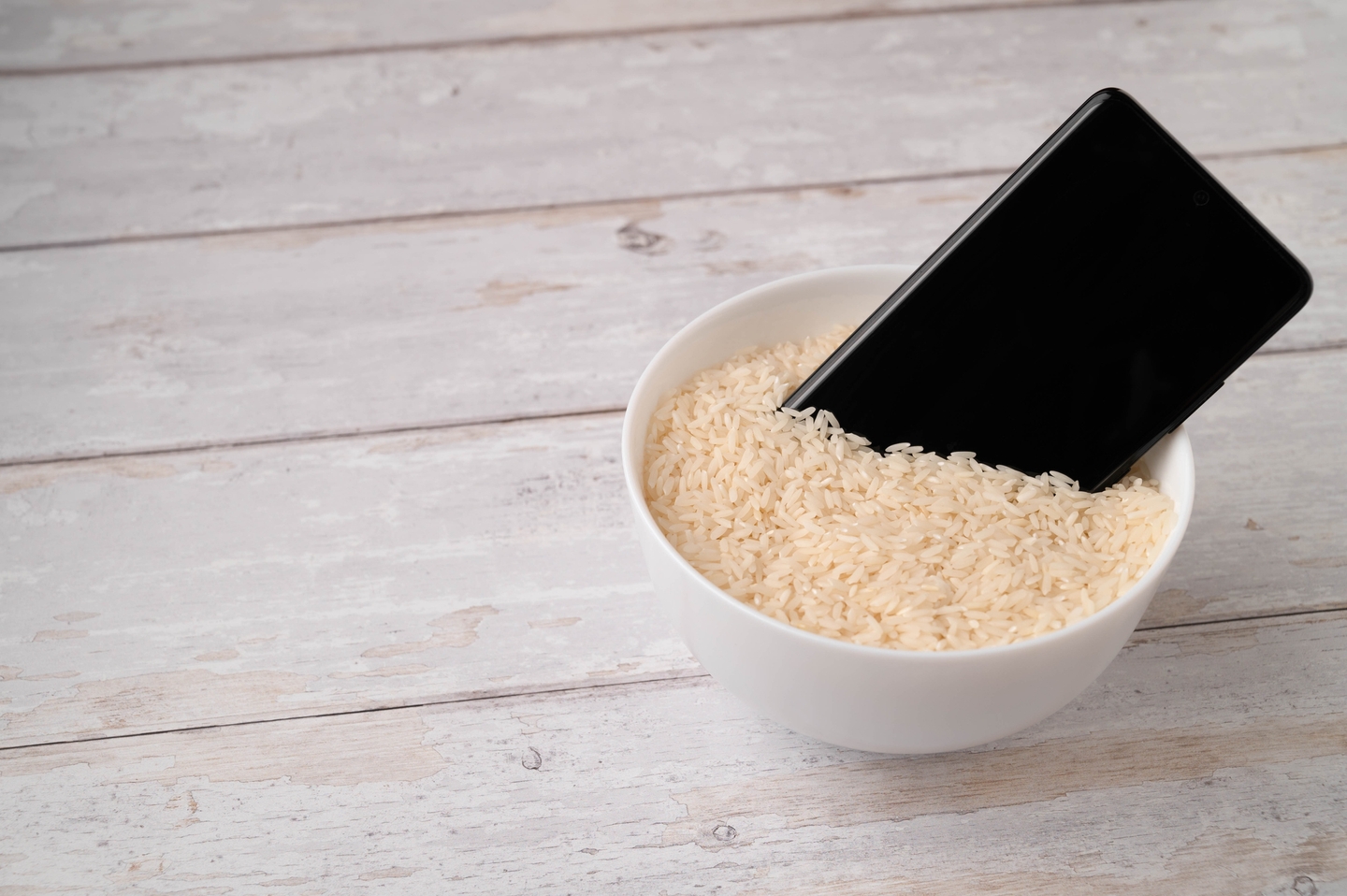
You shouldn't be putting your phone in rice.
Credit: Ivars Timcuks/Getty Images
Ever noticed how your iPhone gives you a little nudge with a pop-up saying it's detected liquid in its Lightning or USB-C port?
advertisement
It's kind of like when you're chilling by the pool, and your phone tells you it's overheating.
It's basically the phone’s way of saying, "Hey, something's up, and you might want to fix it before things get worse."
The pop-up will advise you to disconnect everything and let the phone dry out for a bit, which might take a few hours.
At this point, you might be thinking, "Time to grab the rice," but actually, you shouldn't.
advertisement
We’ve all been told that rice is great because it sucks up water, and getting that moisture out of your phone pronto seems like the right thing to do.
But, Apple says that's not the smartest move.
advertisement
They're pretty clear about it: "Don't put your iPhone in a bag of rice," because you might end up with tiny rice bits inside your phone, causing even more trouble.
Apple also says a big no to trying to speed up the drying with an external heat source, blasting it with compressed air, or poking around the connector with anything like a cotton bud or a paper towel.
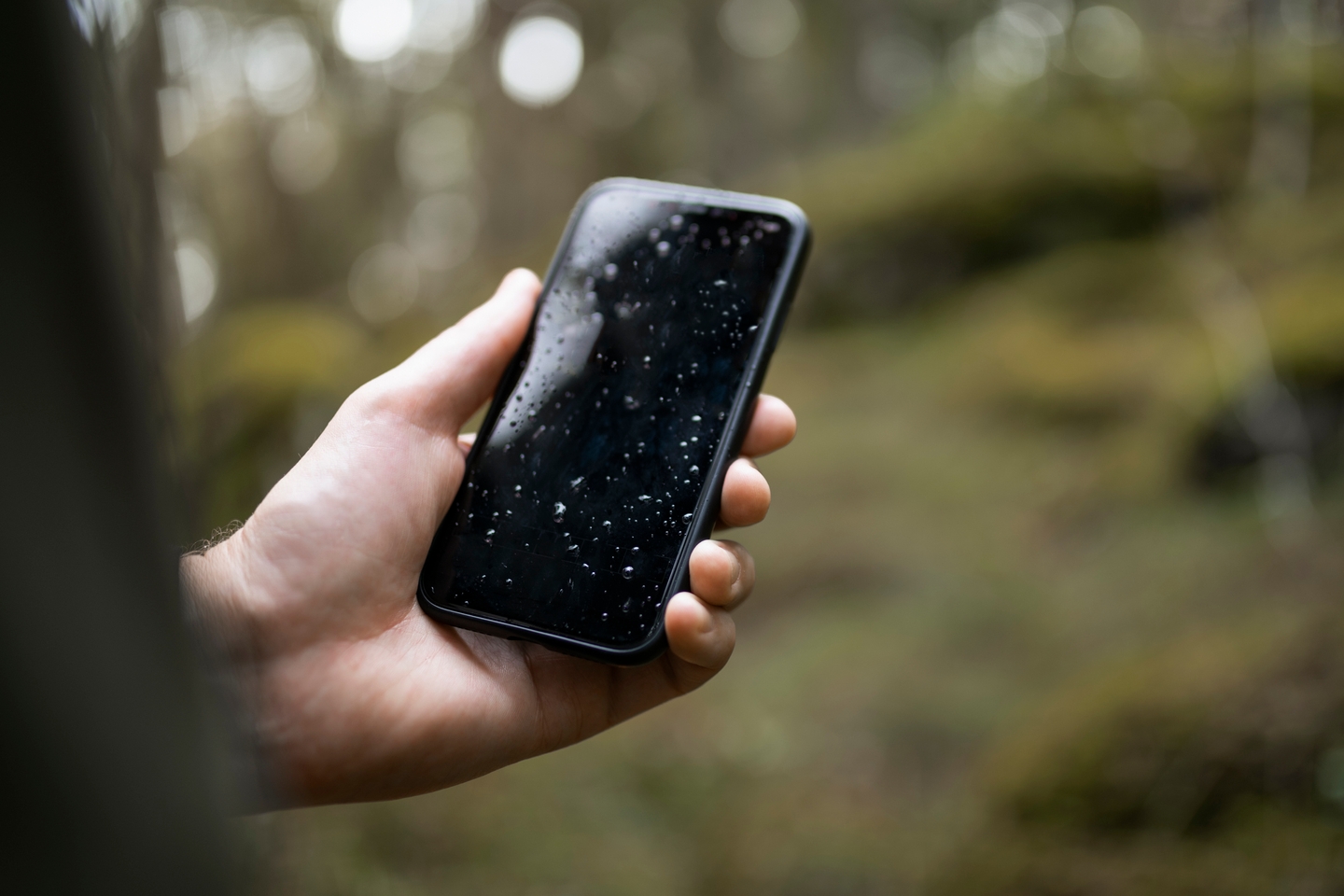
Apple recommends some simple steps if your phone gets wet.
Credit: Johner Images/Getty Images
So, what should you do instead?
advertisement
Apple suggests a couple of safer options to help dry out your phone without risking damage.
First off, give your phone a gentle tap against your hand with the connector facing downwards to shake out any extra liquid.
advertisement
Then, just let it sit in a dry spot with some good airflow around it.
Give it about 30 minutes, and you can try plugging it in with a Lightning or USB-C cable or hooking up an accessory.
advertisement
If that liquid detection message pops up again, it means there’s still some moisture hanging around.
Apple says: "You can try again to charge or connect an accessory throughout this period. It may take up to 24 hours to dry fully."
advertisement
"If your phone has dried out but still isn't charging, unplug the cable from the adapter and unplug the adapter from the wall (if possible) and then connect them again."
So there you have it, the official word on getting your phone dry without making things worse. Who knew the rice trick wasn’t the way to go?