

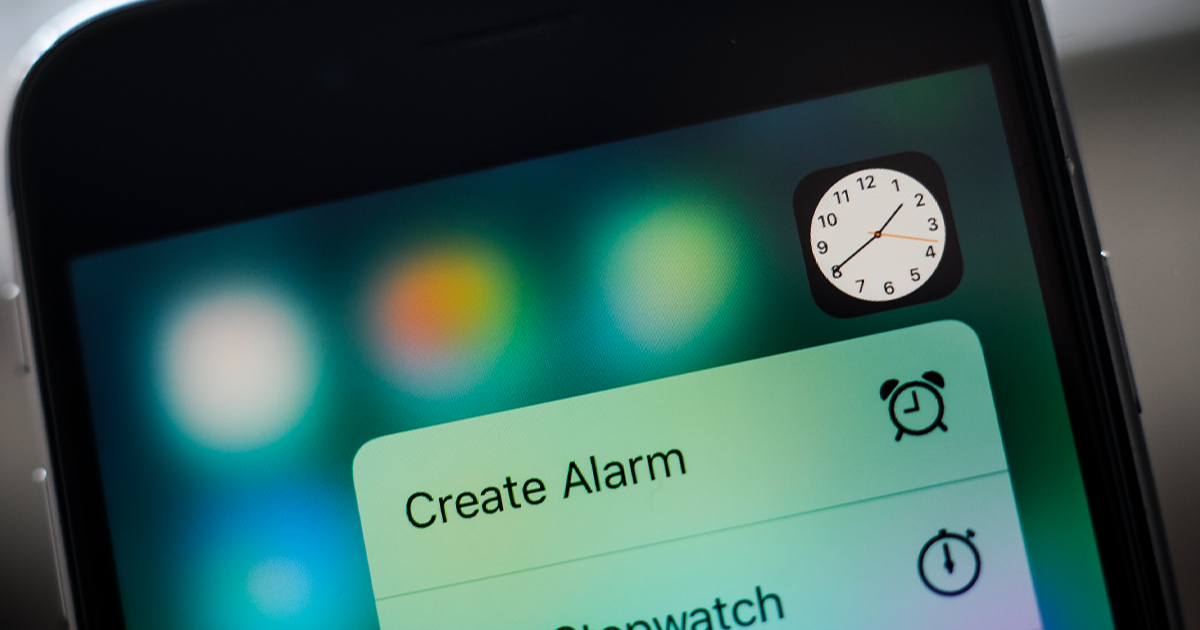
Online commenters weigh in on whether the feature is clever design or just basic battery management
advertisement
Apple fans are known for noticing even the smallest design tweaks, and the internet rarely misses a chance to highlight them. This time, users were surprised after spotting a subtle detail hidden inside the Clock app.
The conversation picked up speed after one iPhone owner shared their discovery online. What started as a simple observation quickly turned into a debate about whether Apple’s designers were being creative perfectionists or simply optimizing battery life.
As often happens with tech features, some people praised the detail as brilliant engineering. Others argued there was a more straightforward explanation behind it.
The discussion began when a tech-focused content creator named Shishir noticed something odd while switching between different phone settings.
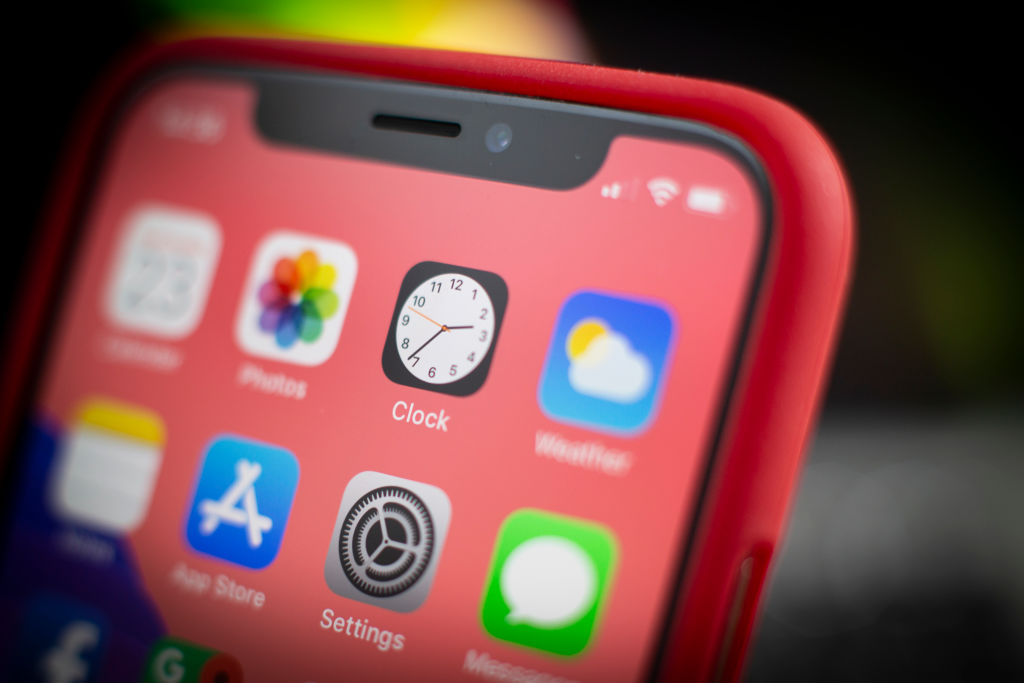
Apple fans questioned whether the ticking motion was intentional or technical
NurPhoto/Contributor/Getty Images
advertisement
At first glance, nothing seemed unusual. The Clock icon looked the same as always, quietly ticking on the home screen and blending into Apple’s clean interface.
After taking a closer look, however, he posted on X, formerly known as Twitter, to share what he had found. He wrote: 'Wait… the Clock icon on iOS ticks like quartz watch in low power mode and mechanical in normal mode???' the user wrote online. 'That's ridiculous attention to detail.'
What he meant was that the second hand on the iPhone’s Clock icon appears to behave differently depending on whether Low Power Mode is turned on. In normal mode, the second hand moves smoothly around the dial. When Low Power Mode is activated, it begins ticking one second at a time instead. Shishir interpreted this as a deliberate design choice, suggesting the animation mimics two different types of watches depending on the setting.
Not everyone believed the change was meant as a stylish detail. One person responded: "It's not an attention to detail, it's an easy point to save battery! When you animate the entire flow, that is more pixels having to turn on and off. When you cut each second, the pixels are doing less, saving battery life."
Another user added: "'I think it's merely due to the refresh rate of the always-on screen that goes down to 1/s."
A third commenter shared a similar view, saying: "It's probably not attention to detail but rather saving some battery by processing lesser frames."
Some believe refresh rate changes explain the clock’s ticking animation behaviour when an iPhone is in its Low Power Mode
NurPhoto/Contributor/Getty Images
advertisement
Apple has consistently explained that Low Power Mode reduces certain background activities in order to conserve battery. On its official support page, the company states: "When the battery level gets low, Low Power Mode reduces background activity on iPhone and iPad devices to extend battery life."
Some users became even more impressed once they learned about the technical reasoning behind the behavior.
One commenter wrote: "It's even cooler than that - the screen goes down to 1Hz refresh rate. Super smart stuff."