

Hackers can easily exploit these settings to access your personal data—here’s how to protect yourself.
advertisement
Cybersecurity experts have issued an urgent warning to iPhone users, urging them to disable three default settings that could leave their personal information vulnerable to hackers.
National security officials have revealed that Apple devices automatically enable these three settings, making it easier for cybercriminals to access sensitive data.
With the right tools, hackers can gain access to details like your Social Security number, credit card information, passwords, personal photos, and even your home address. This information can be used to steal your identity, empty your bank accounts, or sell your data for profit.

Cybercriminals could disguise their malicious hotspots as free Wi-Fi in public places
Getty Images
Wi-Fi and Bluetooth Settings
The first setting to be cautious about is Wi-Fi. While it might seem convenient to let your phone automatically search for and connect to networks while you're out, this feature could put you at risk.
When your phone is constantly scanning for Wi-Fi networks, it can unknowingly connect to a malicious hotspot set up by a hacker.
Once connected, the hacker can intercept your data, install malware, and continue monitoring your activity even after you disconnect.
advertisement
These fraudulent networks are often found in public places where free Wi-Fi is common, such as coffee shops, hotels, and restaurants.
The National Security Agency (NSA) warns that hackers can disguise these networks by giving them the same name as a legitimate business, a technique known as the "evil twin" attack.
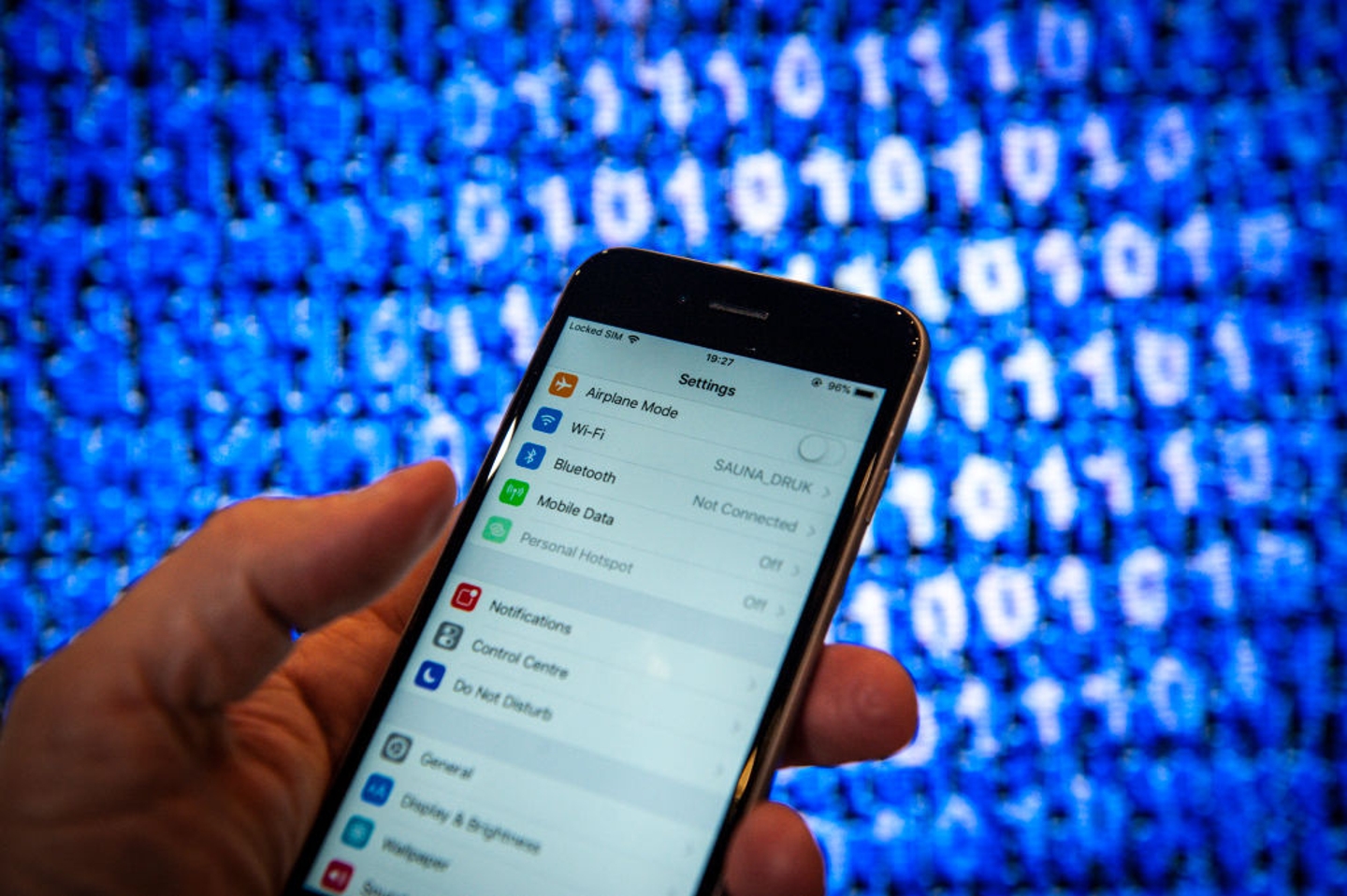
Hackers can gain access to your device over Wi-Fi or Bluetooth
Jaap Arriens/NurPhoto via Getty Images
Cybersecurity firm Kaspersky has called these attacks “the biggest threat to free Wi-Fi security.” The company explains: "So instead of talking directly with the hotspot, you're sending your information to the hacker, who then relays it on."
To prevent this, users should disable the automatic Wi-Fi connection setting by turning off 'Auto-Join Hotspot' in their phone’s settings.
The NSA also advises against connecting to public Wi-Fi networks that don’t require a password, as these are more vulnerable to data theft and hacking attempts.
advertisement
Similarly, leaving Bluetooth turned on when it's not in use can also pose a security risk.
Hackers can exploit this to launch a "BlueBorne" attack, which allows them to access your phone remotely.
To stay safe, it's best to disable Bluetooth when you don’t need it.
advertisement
Location Services
Another major security concern is location tracking.
Many apps request access to your location, often giving you the option to allow tracking "only while using the app" or "always."
While it may seem harmless, granting apps full-time location access can create serious privacy risks.
If a hacker gains access to this data, they can track your movements, revealing where you live, work, and spend time.
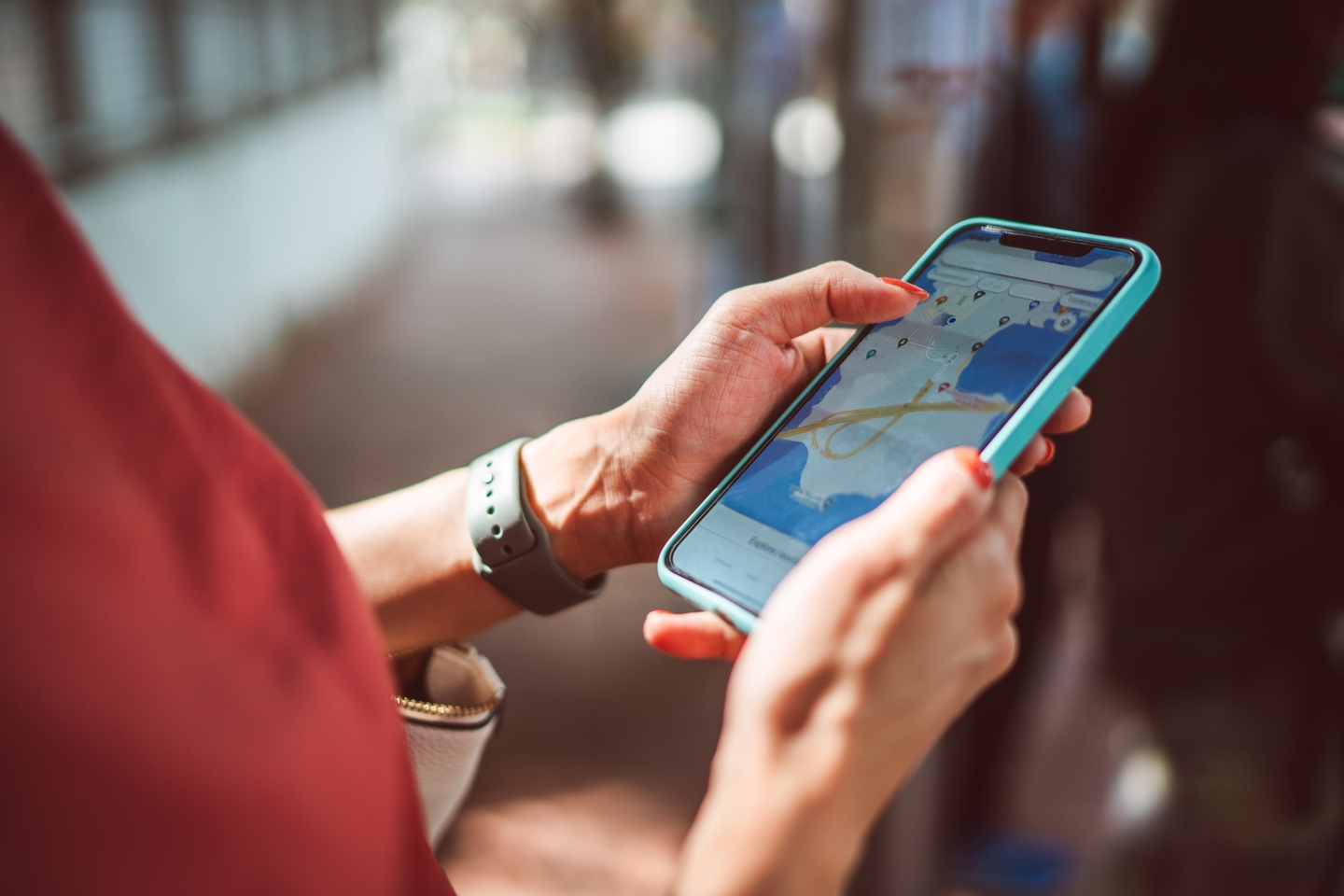
Tech pros warn having location turned on could be putting you at risk
Getty Images
advertisement
In one notable case earlier this year, hackers breached an app called Gravy Analytics, a service that collects location data to help businesses understand customer behavior.
Once inside, hackers were able to steal vast amounts of personal data, including detailed records of users' movements.
To limit this risk, users can adjust location tracking settings by going to "Privacy & Security" in their phone’s settings and selecting "Location Services."
advertisement
From there, users can see which apps have access to their location and choose to disable tracking.
Apps like Maps and Weather do need location access to function properly, but users can limit their tracking to “while using the app” instead of allowing full-time access.
advertisement
App Tracking
Have you ever talked about a product with a friend, only to see ads for it on your phone shortly after? It’s not just a coincidence—your apps are tracking you.
Apps constantly collect data about your activity, using it to build a digital profile of your interests and habits.
This includes details like your device ID, email address, browsing history, and even how long you spend on certain apps.
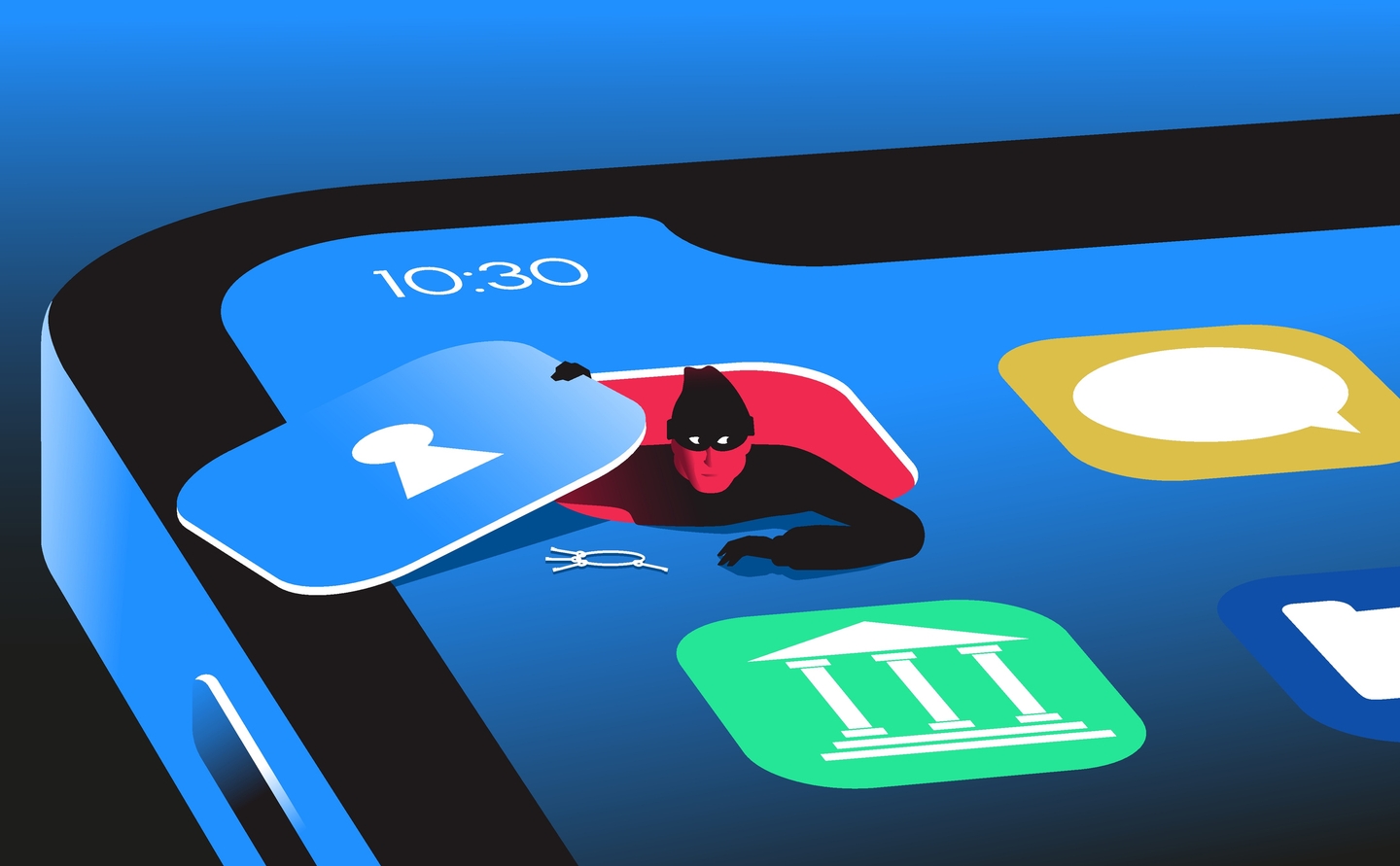
Some apps may be sharing your personal data without your knowledge
Getty Images
advertisement
Fortunately, Apple provides a built-in feature called "App Tracking Transparency," which allows users to see which apps are collecting their data.
To check this, go to "Privacy & Security" in your settings and select "Tracking."
If the option to "Allow Apps to Request to Track" is turned on, it means your apps are actively tracking you. Turning this off will block apps from gathering personal data without your permission.