A quick-thinking Georgia college student used her cell phone to save her life.

Victim Reveals iPhone's Share My Location Feature Helped Her To Escape Her Kidnapper
By
Sughra Hafeez in
Amazing
On 11th January 2018
advertisement
Jaila Gladden, a 21-year-old college student, was shopping at a grocery store.
A man approached her, put a knife to her stomach, and forced her into her car, taking the driver’s seat himself, kidnapping her.

He pulled over to an abandoned church, raped her, and tried to drive her to Michigan.
During the assault, he told Gladden that there was 'no purpose in crying,' as she pleaded with him to release her.

advertisement
Following the rape, they got back on the road.
The man said he was going drive to Michigan, and charged Jaila with finding a gas station for him to rob first.

That's when Jaila had her bright idea.
She convinced the man that she needed her phone to look up the locations of gas stations and help him navigate there. Surprisingly, he gave it to her — but she took no chances.

advertisement
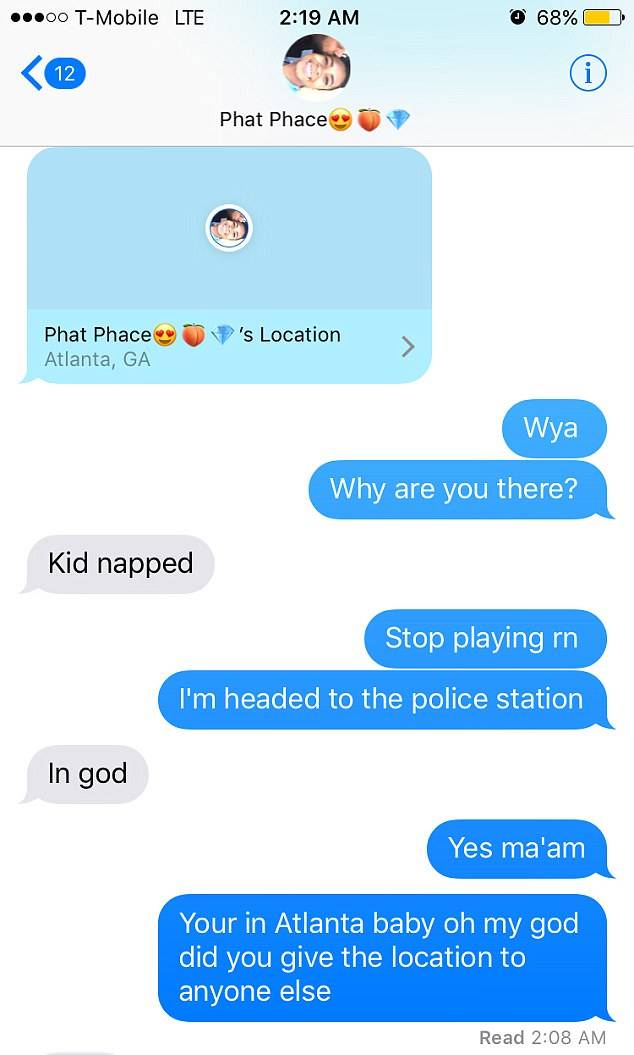
Tamir Bryant, Gladden’s boyfriend, was asleep when his phone buzzed. When he saw Gladden’s location he asked her why she was in Atlanta.
'Kid napped,' Gladden responded.

advertisement
Bryant headed to a police station.
He was able to track his abducted girlfriend's location and provide updates for police.
advertisement
A police officer asked Bryant to find out what kind of car Gladden was in. 'mine' she responded.
With the help of Gladden’s roommate, officers identified the make and model of Gladden’s car and notified the Atlanta Police Department.

advertisement
The whole time, Tamir was able to track Jaila's location and provided updates for the police there.
As they approached, an officer in the parking lot where the kidnapper had stopped noticed the idle car, which matched the description he'd heard on the scanner.

advertisement
Gladden managed to escape the car, running towards the police officers.
The suspect, identified as Timothy Wilson, was tracked down and apprehended ten hours after he fled the scene of the crash.
advertisement
Gladden believes her abduction and rape could have been prevented with better security at the grocery store parking lot.
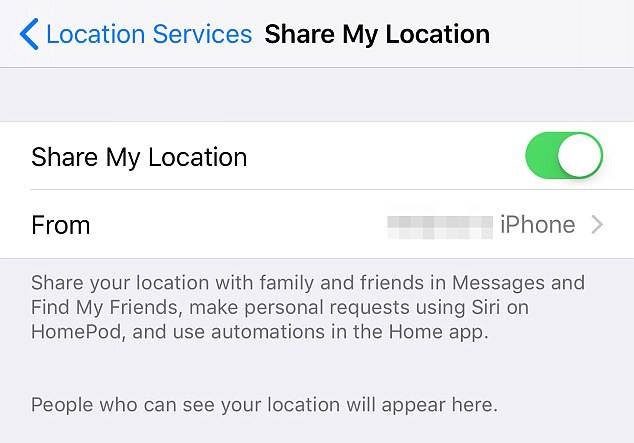
Carrollton police said in a statement that others could learn from her and keep their own location services turned on.
advertisement
The Location Services feature in iOS lets apps does a lot of great things.
Mapping apps can figure out where you are and provide directions. Recommendation apps can offer up suggestions for nearby eateries. Camera apps can geotag your photos so you know where you took those selfies.
advertisement
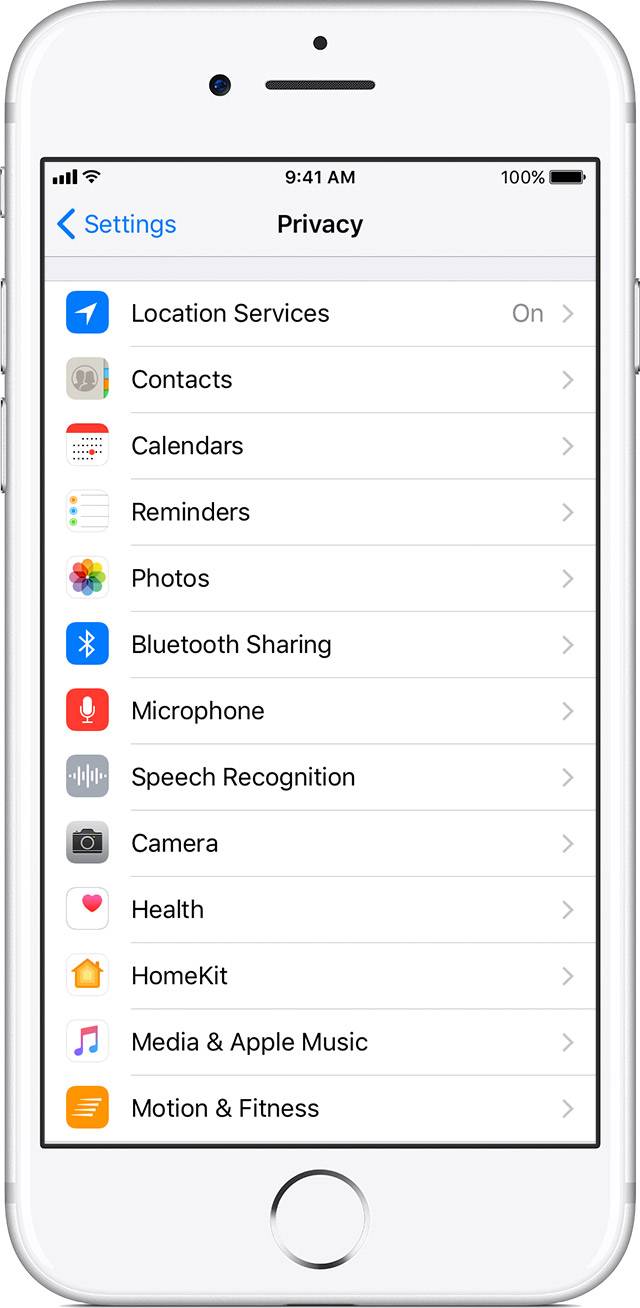
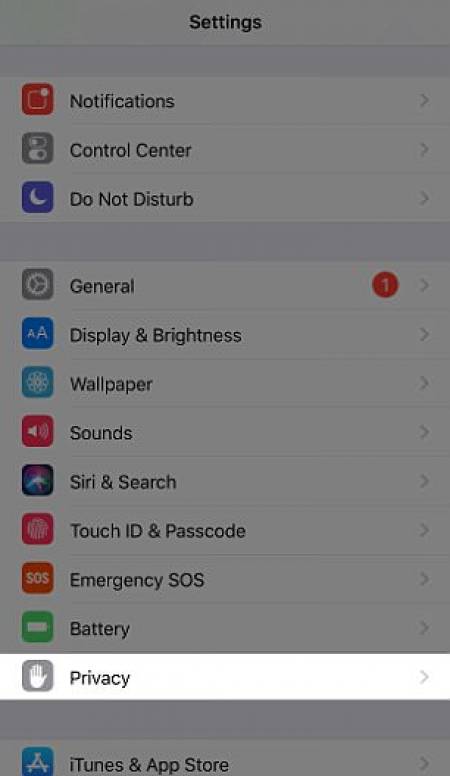
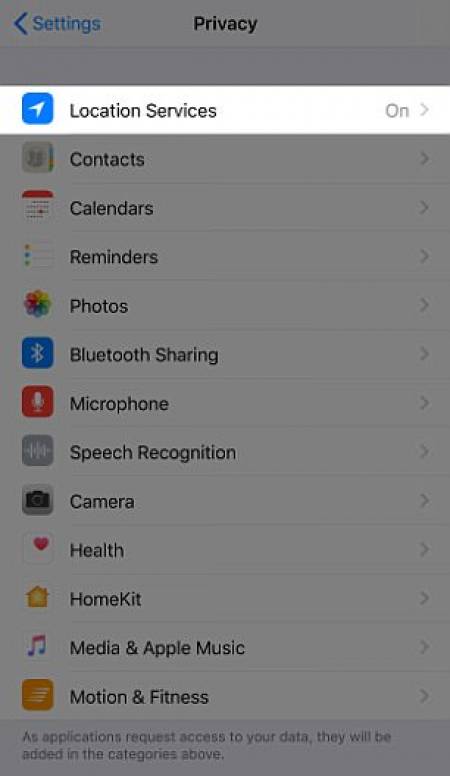
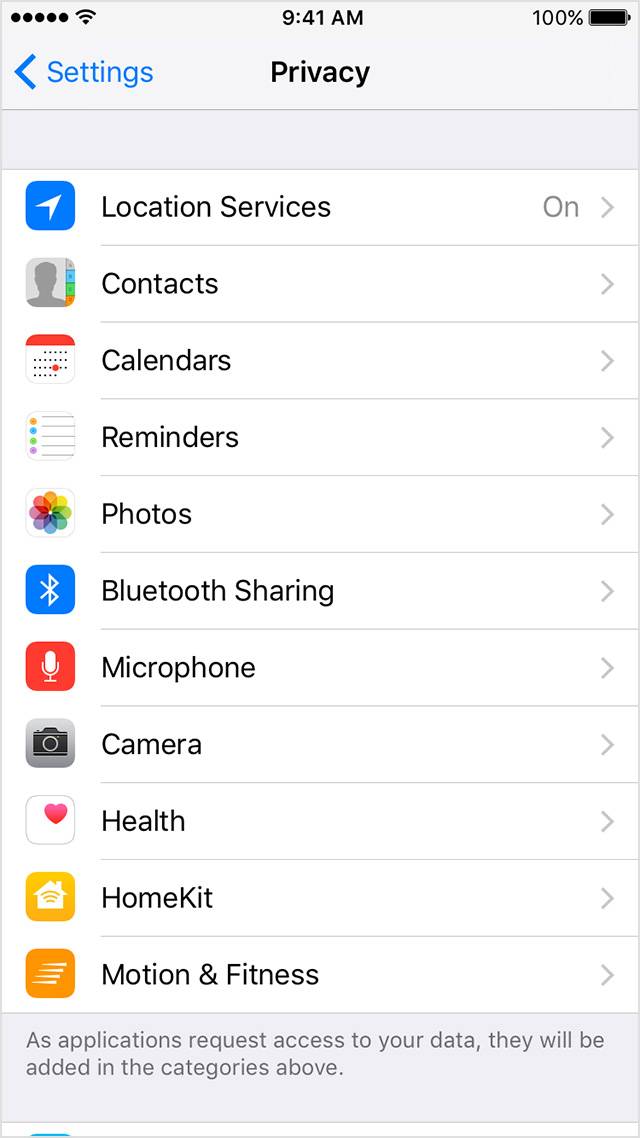
You can modify privacy settings in Settings > Privacy.
You can select a type of data from this list to see which apps have asked for permission to use that data. An app won't appear on the list until it asks permission to use your data. You can add or remove permission from any app that has asked for access to data. An app can use your data only if you have given it your permission.
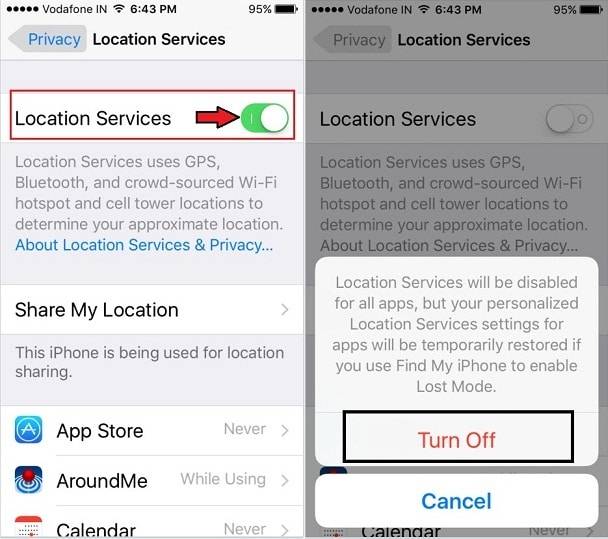
With your permission Location Services allows apps and websites to use information.
From cellular1, Wi-Fi, Global Positioning System (GPS) networks, and Bluetooth4 to determine your approximate location.
advertisement
Apps that can show your location on the screen, including Maps, show your current (approximate) location using a blue marker.
If your location can't be determined precisely, you'll see a blue circle around the marker. The size of the circle shows how precisely your location can be determined—the smaller the circle, the greater the precision.
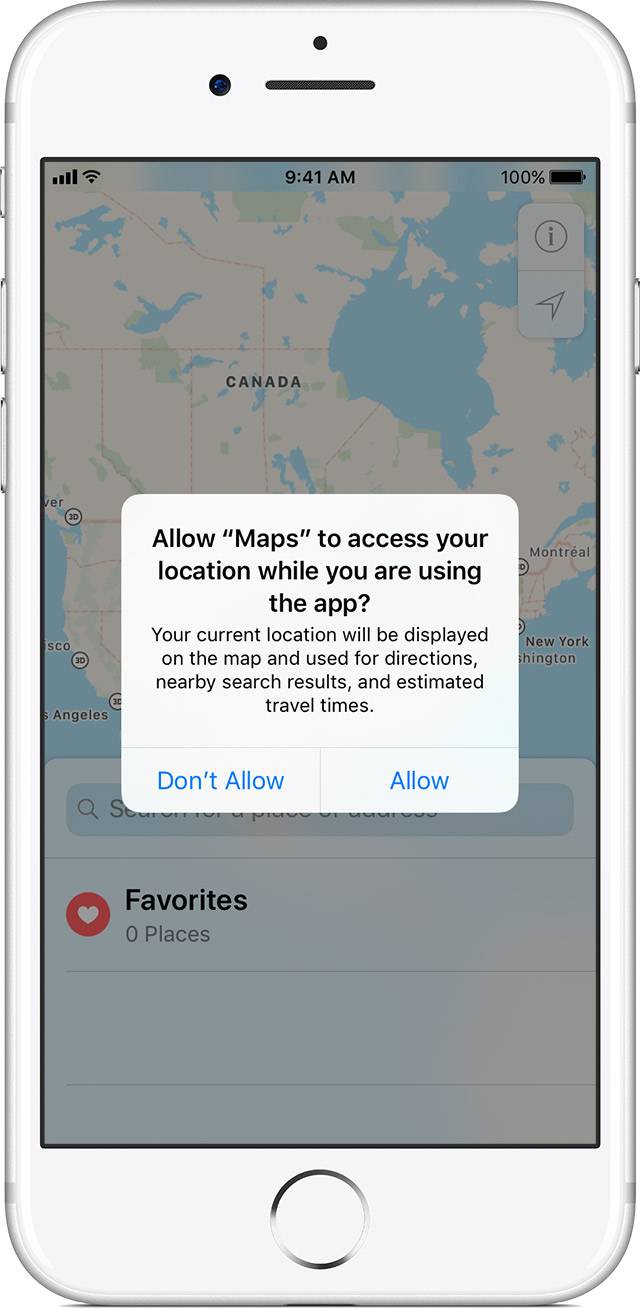
Give apps permission to use your Location.
The first time an app tries to access your location, even in the background, it will ask for your permission. You'll see which app is asking for permission to use your location, and the app's developer may also explain how their app uses your location.
advertisement
Turn Location Services on or off.
You can turn Location Services on or off at Settings > Privacy > Location Services. You can turn Location Services on either during the Setup Assistant process or later through the Location Services setting.