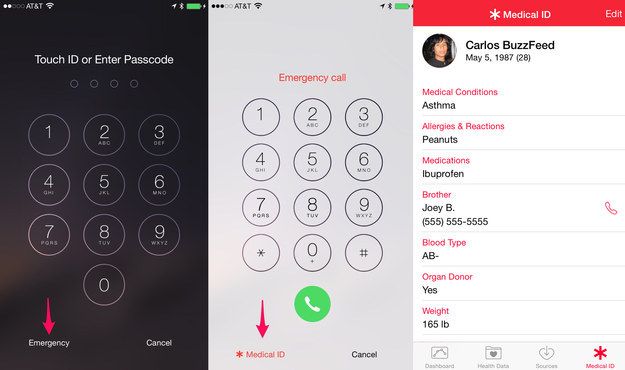
Technology has simplified our lives to its best and it has covered almost all the areas. Nowadays, we don't know whenever the need arises of blood group, date of birth, emergency contact etc. And iPhone has the best tricks to provide all these information whenever required even without going here and there or even if the iPhone is locked. Let us read and know about them and use them.
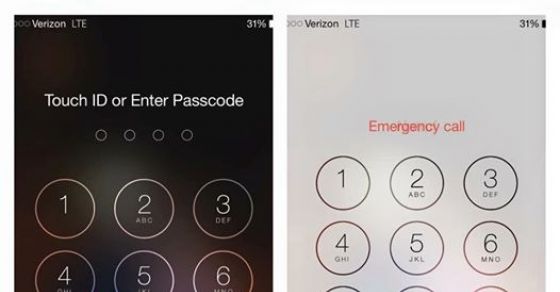
You Must Know These iPhone Tricks To Access The Necessary Information During A Medical Emergency
By
Sughra Hafeez in
Science and Technology
On 3rd October 2015
advertisement
#1 This is the iPhone feature which stores the necessary information during emergency.
Katherine Jarmy posted this picture on Facebook which has been shared 600,000 of times as of Thursday.
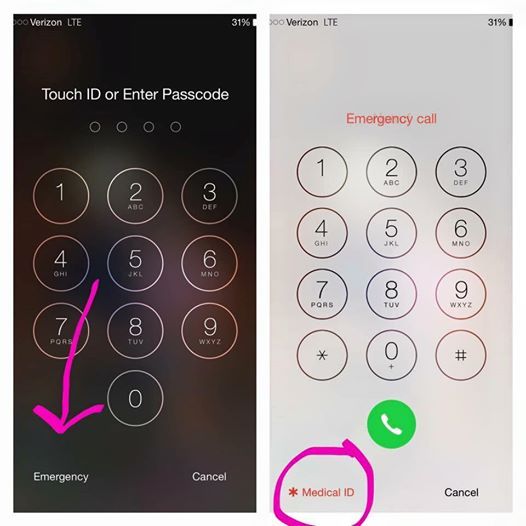
#2 The “Medical ID” feature.
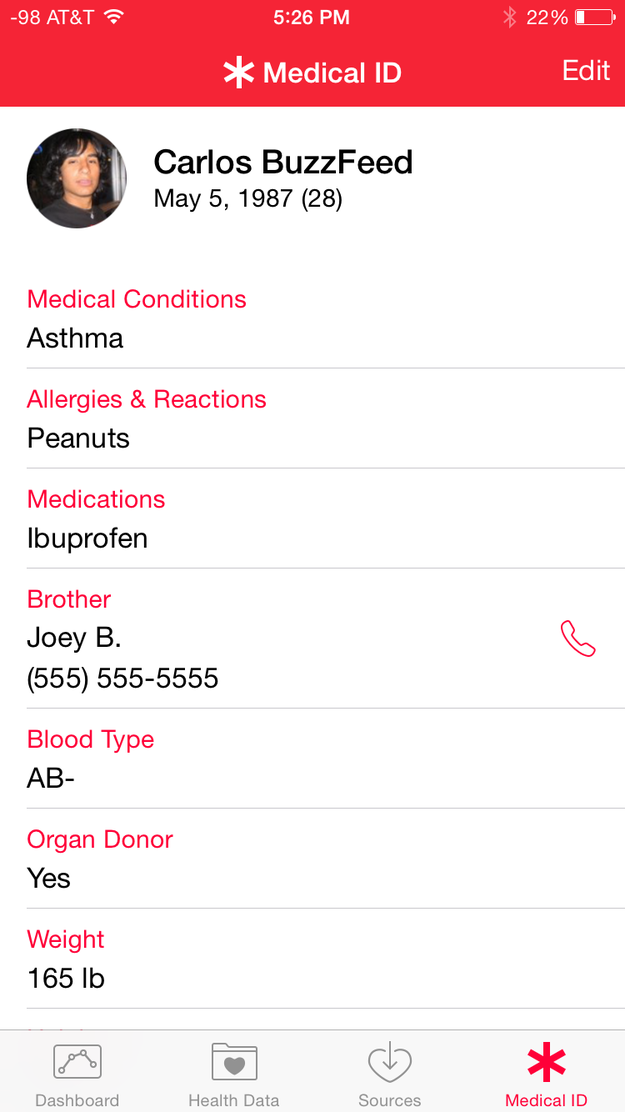
Using this feature we can access the important medical information even if the phone is locked like DOB, emergency contacts, blood type, and other important information.
advertisement
#3 This feature is included in the Health App for iPhone.
Just click on the Health App and it will set up then automatically.
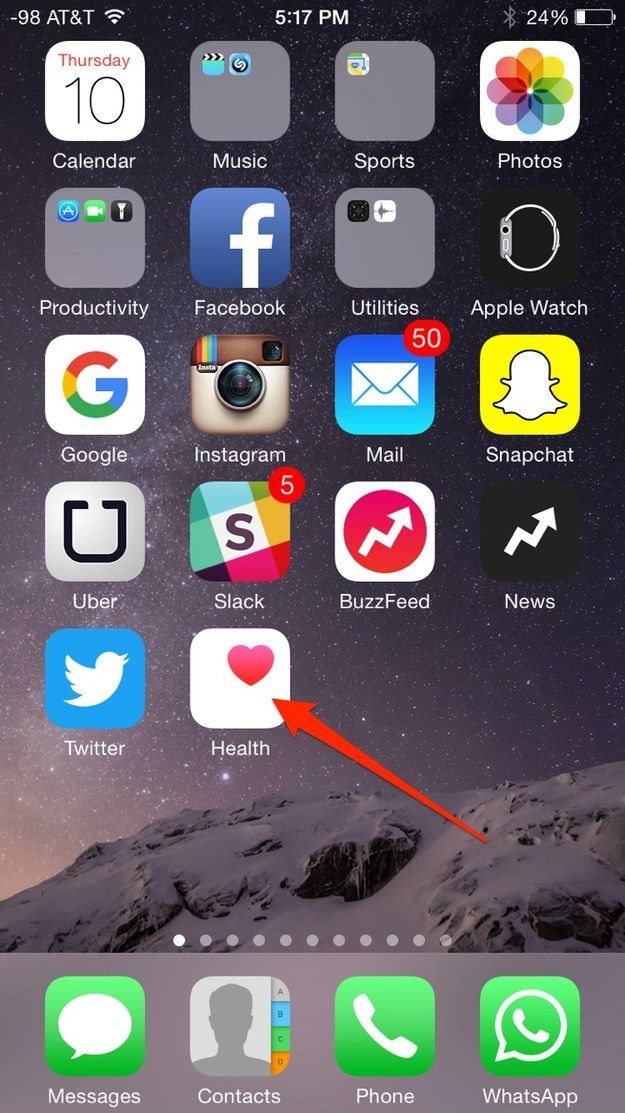
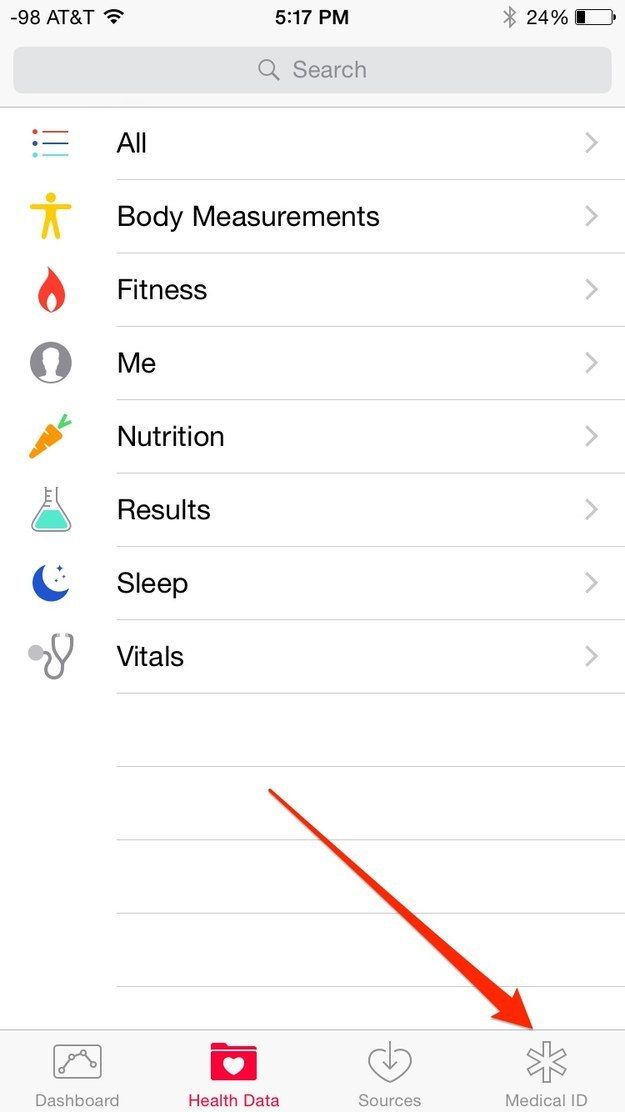
#4 Then "Menu Screen" will show many options where “Medical ID” will have to select.
advertisement
#5 Then your screen will present your medical ID.
advertisement
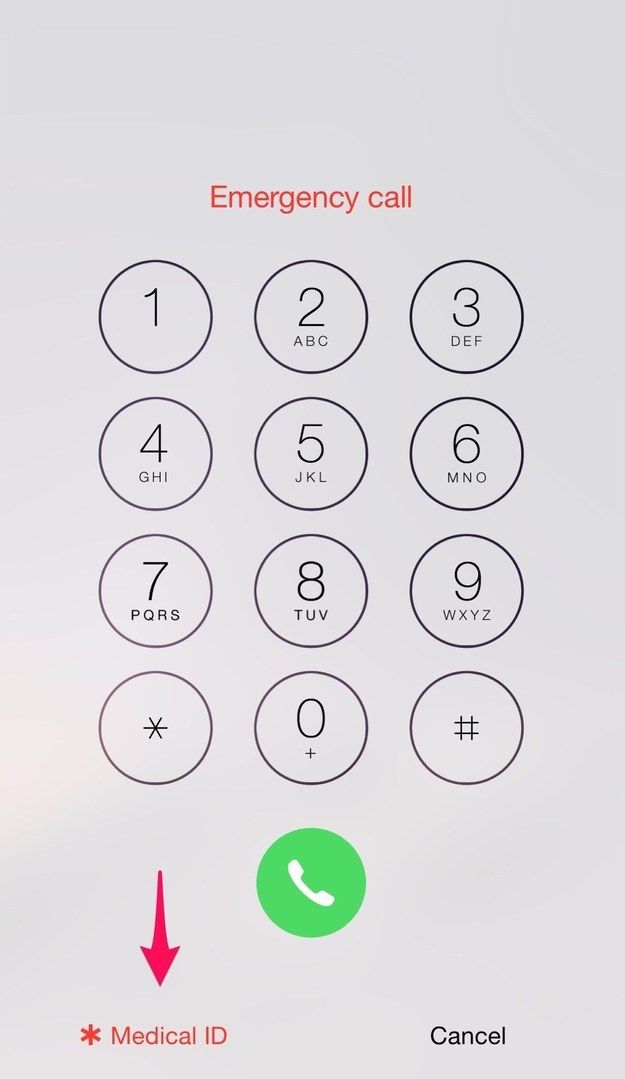
#6 To access the feature once it’s set up, click the Home button, then “emergency,” then Medical ID, and you’ll be taken to the screen with all the relevant information. It only takes a minute to set up, and can be a lifesaver in a medical emergency.