19 Clever Tricks For YouTube That Most People Don’t Know About
By
Editorial Staff in
Facts
On 20th April 2017
The Internet has changed our world forever. And no doubt YouTube is one of the best sites on the net. We all watch videos and movies on it. Here are some tricks you can apply to enhance your experience on YouTube.
Let's take a look at these amazing tricks for YouTube.
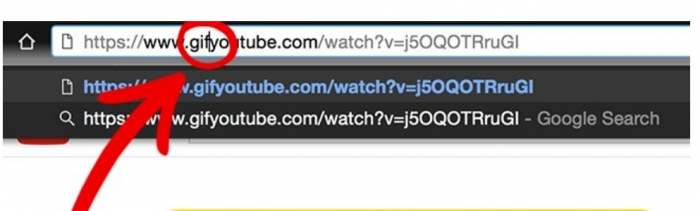
#1 Make GIFs
Add "GIF" at the start of the YouTube URL. A YouTube GIFs website will open where you can make your GIFs.
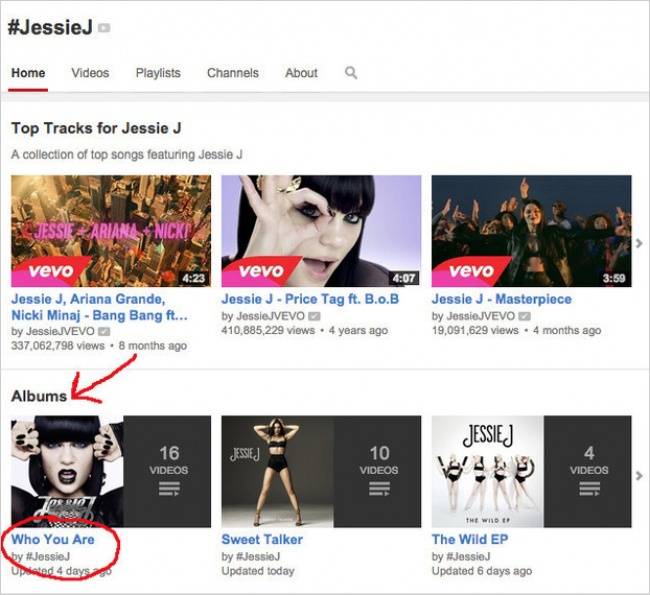
#2 Find Your Favorite Artist’s Page
Find albums of your favorite artist by simply pressing # followed by their name with no spaces.
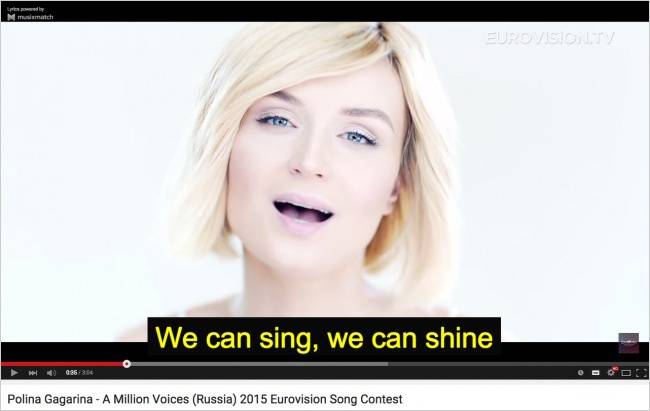
#3 Tracks For Karaoke
There is a free app for chrome called "Musixmatch" which provides subtitles for youtube videos. You can enjoy seven million songs in this app.
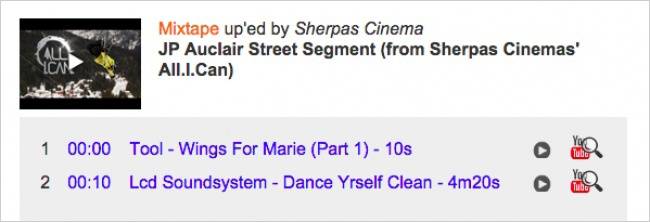
#4 How To Find Out What Song Is Playing In A Video
Just copy and paste the link in MooMa.sh and it will help you to identify any song playing in the YouTube video.
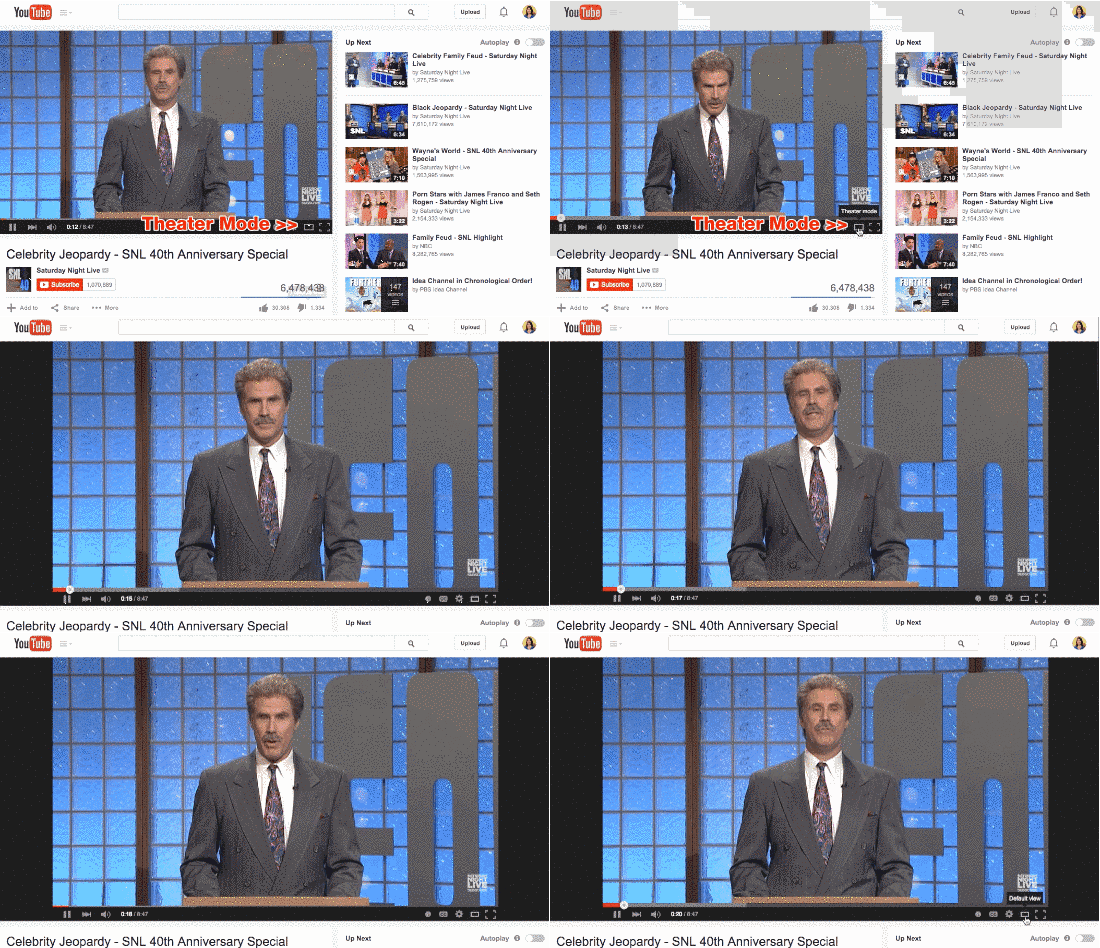
#5 Theatre Mode
You can use theatre mode by clicking on the small rectangle in the corner of the video.
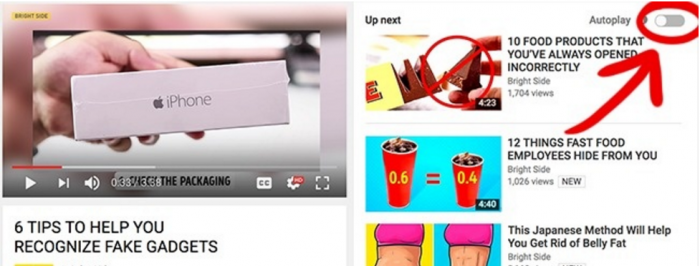
#6 Autoplay
You can use the autoplay option by clicking the slider on the top right of the screen.
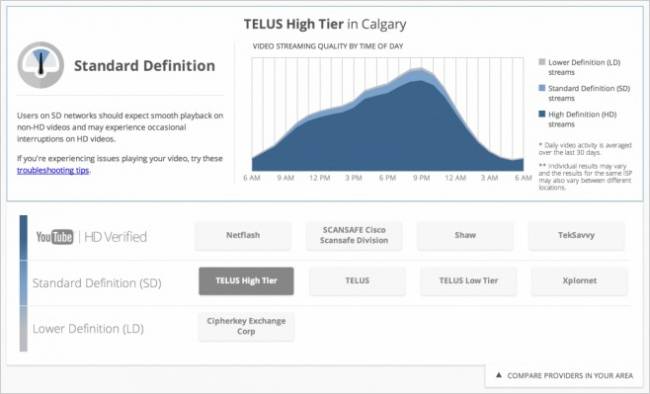
#7 How To Check The Definition Of A Video
You can check the quality of videos by using the video quality report program from Google.
#8 New Youtube Layout
Just go to youtube.com/testtube and try out the new YouTube player function. You will be able to use new YouTube layouts.
#9 How to watch YouTube on our TV
Now watch a YouTube video on your smart tv via your smartphone. Check the video for the method.
#10 Share A Video From A Certain Point
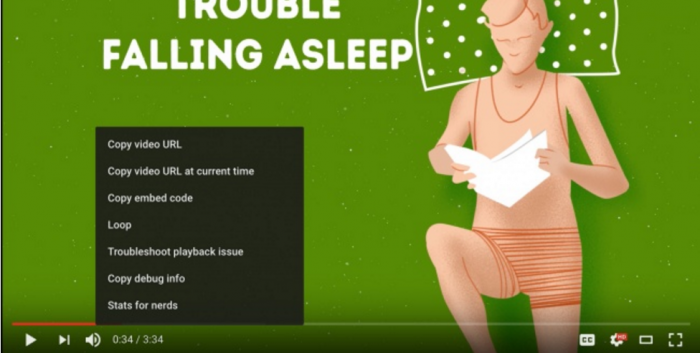
Now you can share any video from a certain point just select the second option from control option to share a video.
#11 Make YouTube Safe For Your Kids
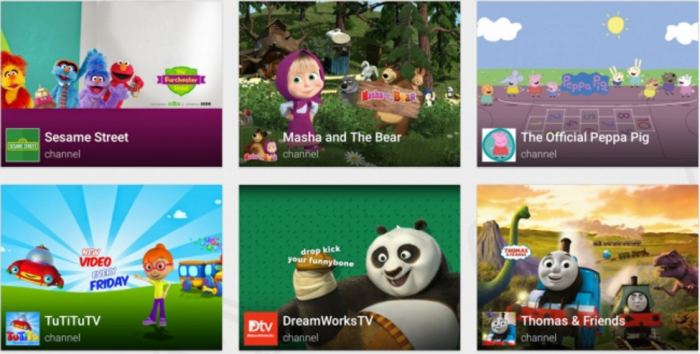
There is a YouTube Kids' app which offers videos which are suitable for children.
#12 Optimise YouTube For A Slow Connection
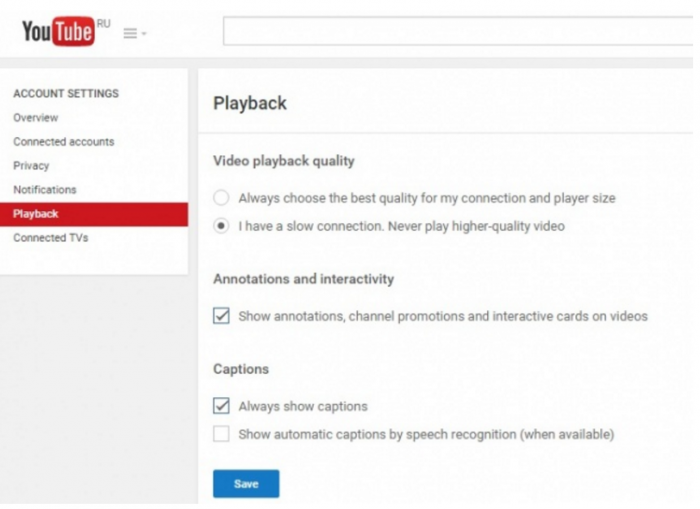
If you have a slow internet connection, then go to youtube.com/account_playback and click on the 2nd option.
#13 Convert A YouTube Track Into An MP3
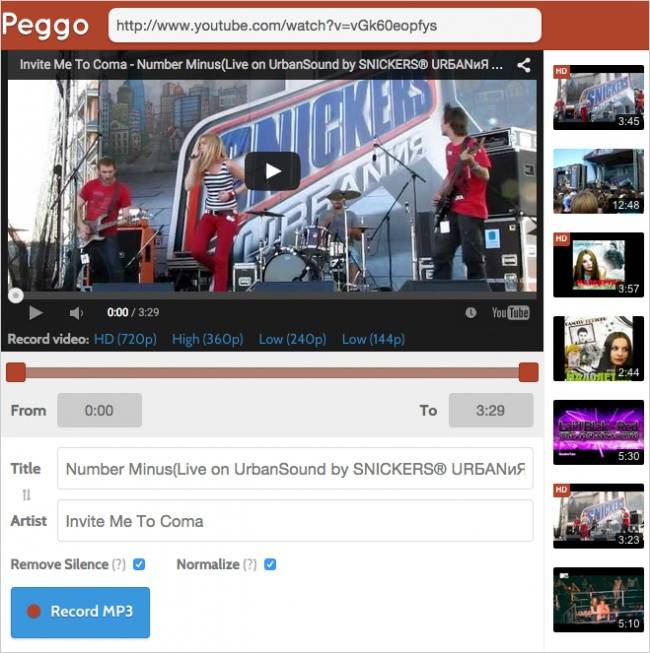
Use Peggo.com to convert YouTube tracks into mp3 format.
#14 How To Make Own Video Playlist
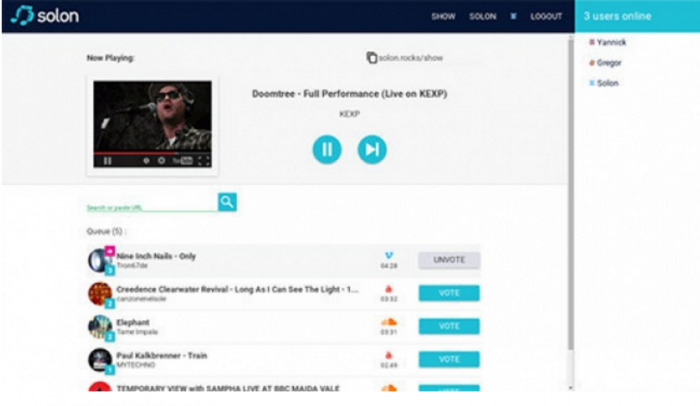
There is a site Solon.com which can combine videos from YouTube in one playlist.
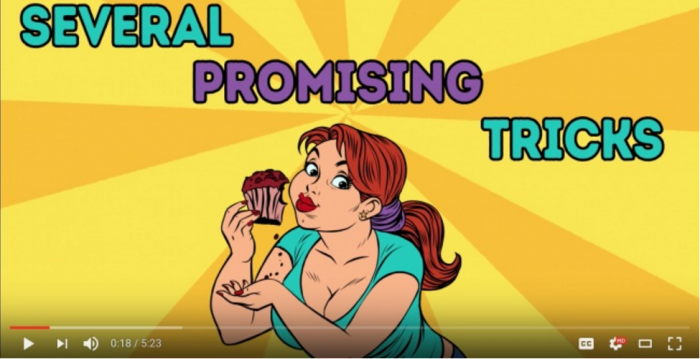
#15 Change The Speed Of The Video
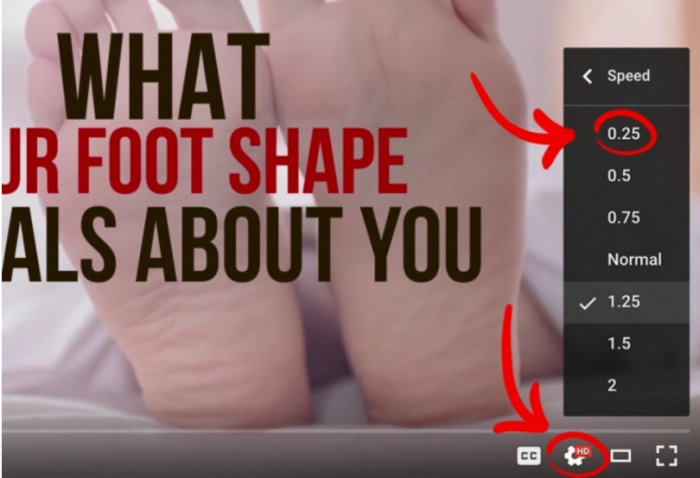
Slow video speed can be very useful, especially when you are watching a cooking show. You can change your video speed by clicking the gear in the lower right corner of any video.
#16 Keep Your Activity Private
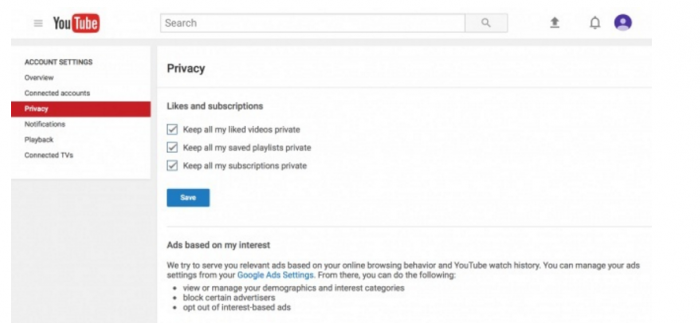
Just go to the privacy settings and keep your activities private.
#17 Keyboard Shortcuts
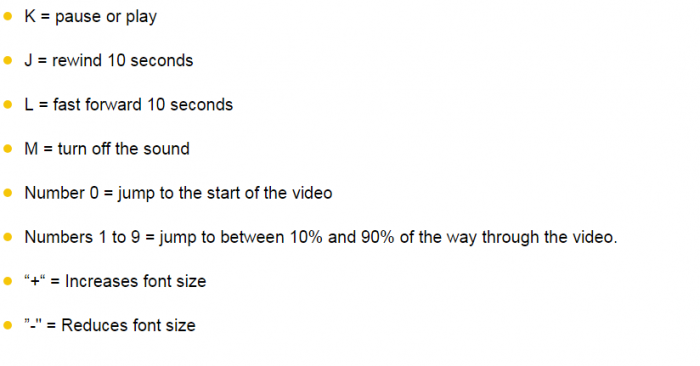
Use These Keyboard shortcuts to save your time on YouTube.
#18 Download Videos From YouTube
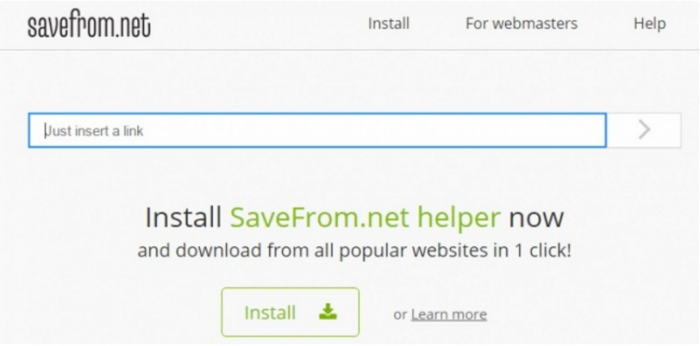
You can use Savefrom.net to download YouTube videos.
#19 How TO Get Rid Of Adverts
You can install Adblock in your Google Chrome to block YouTube ads and watch videos without any waiting.