YouTube is an indispensable part of our lives. Irrespective of where we might be and what me might do, YouTube is something that panders equally to all of us. But ever wondered how you can tweak YouTube to your advantage? Well, here are some essential hacks.

Amazing YouTube Hacks That’ll Make Your Video Watching Experience Easier
By
Editorial Staff in
Facts
On 13th August 2016
advertisement
#1 To download a YouTube audio
How many times do you have to jostle between websites/freeware that allow you to download the audio of the video you're watching? Well, not anymore.
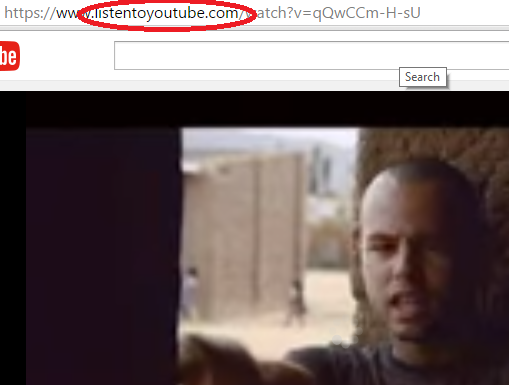
Simply replace "youtube" with "listentoyoutube" in the URL to download the audio!
#2 Download YouTube videos
You want to pick out a few videos for your big classroom presentation, but because there's paucity of time, you find it irritating to go through a million "video downloader" sites. So what do you do?
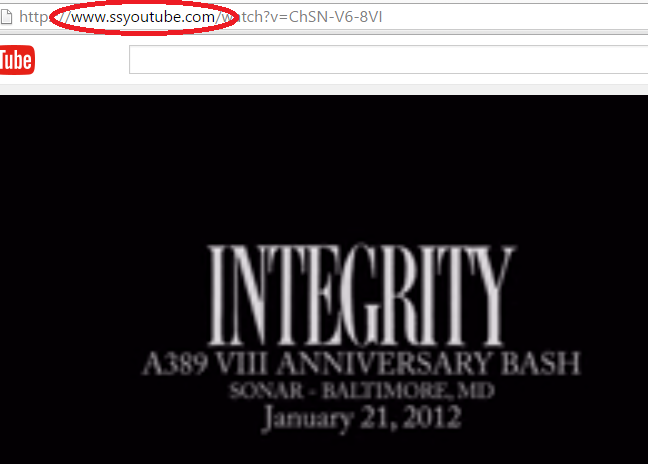
You simply put "ssyoutube" in place of "youtube" in the URL and download the video in any quality available.
advertisement
#3 Bypass the age restriction
What about all those raunchy videos that require an age restriction?
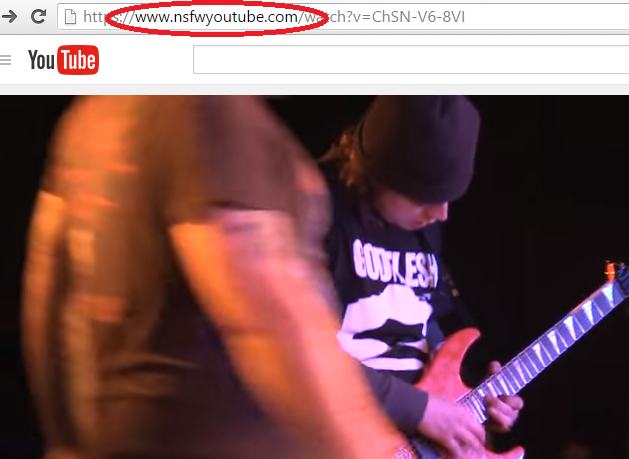
Simply replace "youtube" with "nsfwyoutube" to bypass it.
#4 To block YouTube advertisements
Ads are irksome, aren't they?
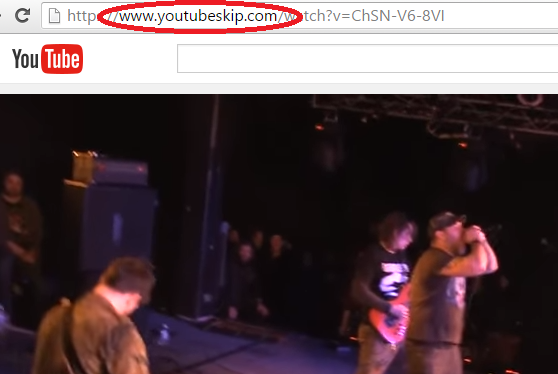
Well, not anymore! Typing "youtubeskip" instead of "youtube" in the URL can help you get around it.
advertisement
#5 To play the video on loop!
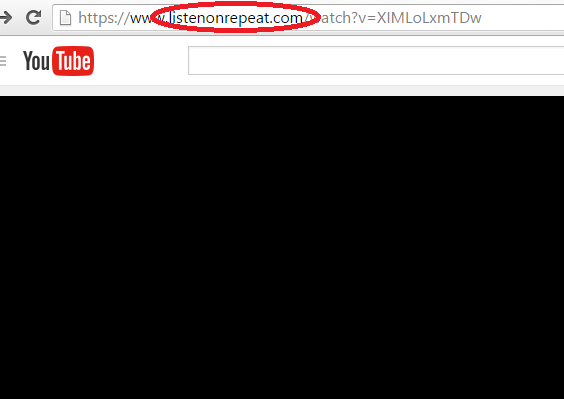
Replacing "youtube" with "listenonrepeat" in the URL and the video would loop without your intervention.
advertisement
#6 Defeat country restrictions
There are some videos that are specific to one/more countries and are out of bounds for you, so how do you access them?
Here's how a normal YouTube link looks like:
http://www.youtube.com/watch?v=xxxx
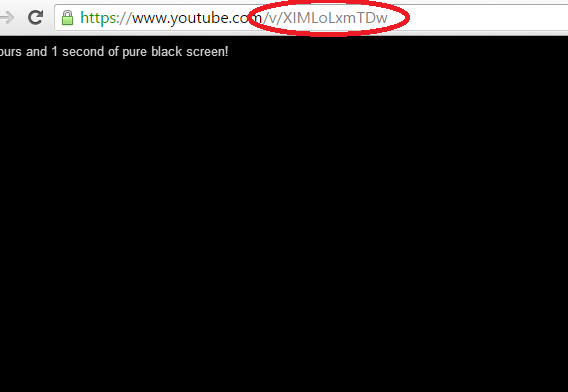
Copy the "xxxx" string of characters and paste it so that the URL reads:
http://www.youtube.com//v/xxxx
advertisement
#7 To line-up all the videos from a specific YouTube channel
If you like watching a lot of videos from a specific YouTuber, this hack is perfect:
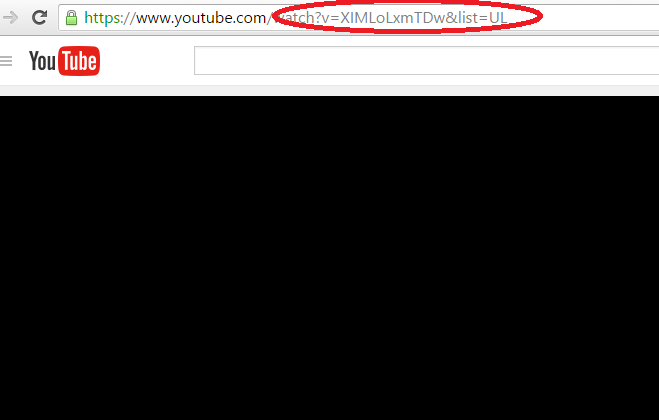
Add "&list=UL" to any video and it will spawn a meta playlist containing all the video uploads by the uploader, in chronological order.
advertisement
#8 To turn the video into a GIF
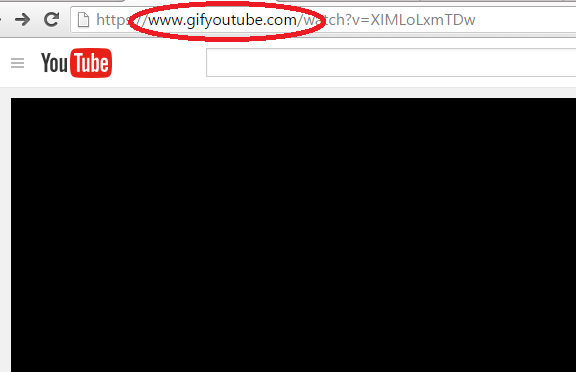
Make a gif out of the YouTube video by replacing "youtube" with "gifyoutube".