Here's How You Can Find Your Lost Android Phone Even When It's On Silent Mode
By
Editorial Staff in
Facts
On 3rd March 2016
Losing your smartphone is one of life's enduring struggles. Sure, it's not exactly consequential in the grand scheme of things, but it sure is frustrating when you need to make a call or check something and it's nowhere to be found.
Luckily, Google has built a way to quickly easily locate misplaced phones.
#1
Step 1 -
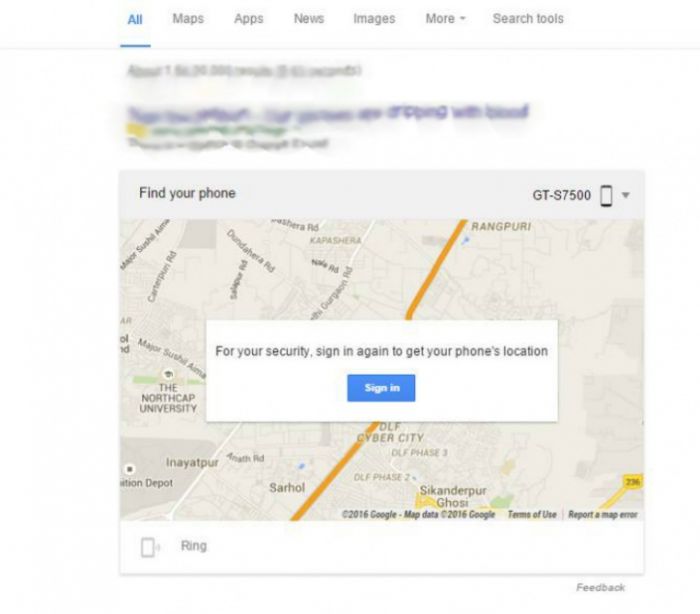
Go to Google, and make sure you're signed in to the Google account registered to your phone.
#2
Step 2 -
Search- "Where's my phone?" A map will appear.
#3
Step 3 -
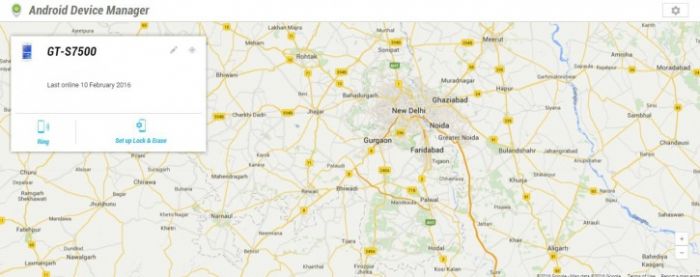
Shortly after, it'll show you your phone's location.
#4
It's a real boon if you misplace your phone at a night out. Or leave it in an auto.
#5
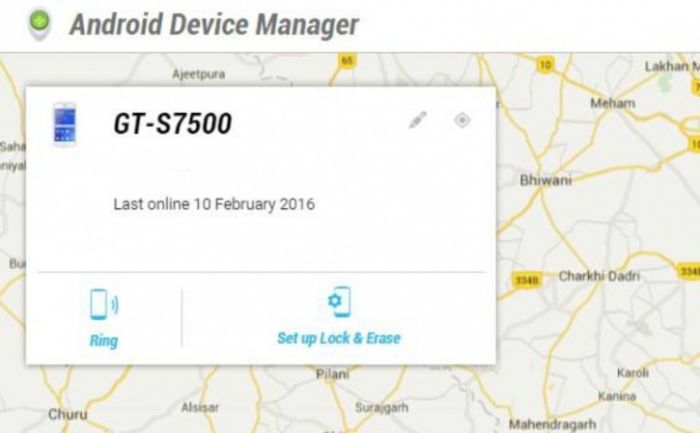
Alternatively, if you've left your phone on silent and can't find it in the house, you can also use this trick to make it ring.
You can also use it to lock your phone and erase its content remotely using this.
#6
Unfortunately for iPhone users the "Where's my phone?" Google trick only works if you have an Android smartphone. Yes, the iPhone does has a similar tool for locating your iPhone using iCloud. But it's not as neat and easy as Android's it's right there in Google search!