April Fool's Day is right around the corner and what would it be without a couple of good pranks!
The Funniest, Sneakiest Ways To Mess With Someone's Phone
By
Teresa Thomerson in
Funny
On 23rd March 2016
advertisement
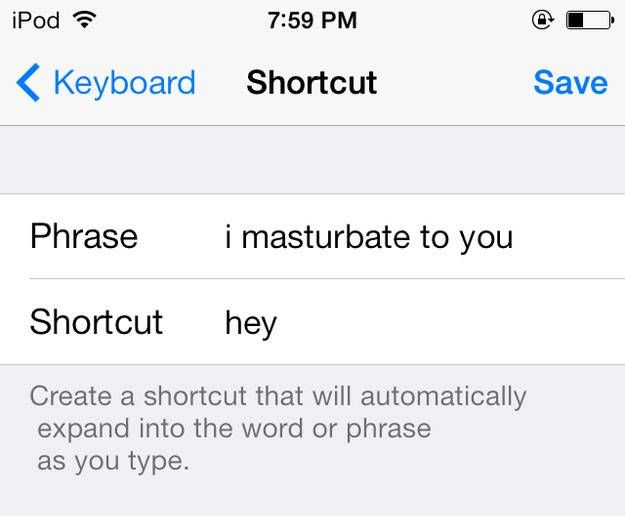
#1 Sneak into Their Shortcuts and Transform How Common Text Phrases Appear
On an iPhone (or iPad):
Tap Settings, General, Keyboard, Text Replacement, then tap the "+" button in the top-right corner of the screen.
In the blank next to "Phrase," type in (for example) "You there?" Then, in the Shortcut section, tap in the letters "u" and "t."
Tap the "Save" button. All done!
Let's give our new shortcut a try. Go to Messages, compose a new message, and tap "ut." Your new "You there?" shortcut should appear in the strip of auto-correct suggestions along the top of the keypad. Press the space bar or a punctuation mark to accept.
On an Android device:
Tap Settings, Language & Input, "Personal dictionary," then pick a language or choose the "For all languages" option. (Note: the exact settings may differ depending on the make and model of your Android phone.)
Tap the "+" sign in the top-right corner of the screen, then enter the word or phrase (like "on my way") you'd like to make a shortcut for.
Next, type a brief, easy-to-remember shortcut into the "Shortcut" field; for example, "omw" for "on my way."
Tap the Back key, and you'll see an entry for the shortcut you just added. Want to add more shortcuts? Tap the "+" sign again.
Now, go to, say, the Gmail app, compose a new message, and tap one of your new shortcutsand when you do, the phrase you entered will appear in the row of auto-correct options just above the keyboard. Tap the phrase to add it to your message
#2 Change Their Contacts to Characters from Your Favorite Movie
This is pretty self explanatory. Just pull up the contacts and select edit, rename their contact with whatever comes to mind and than save.

advertisement
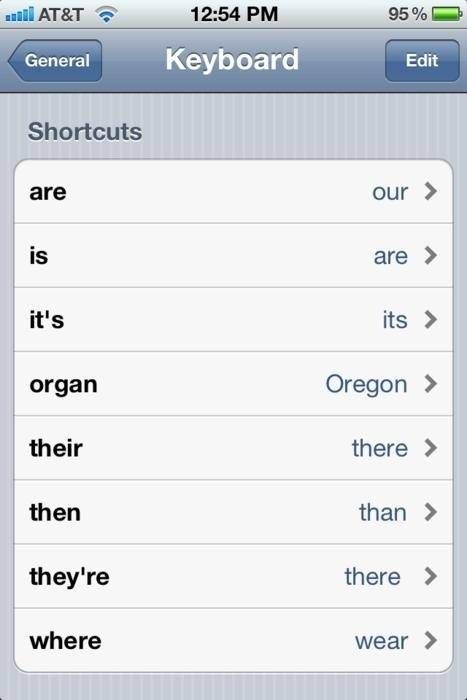
#3 Torment Grammar Lovers by Tweaking Their Auto-Correct
For Iphones it's the same as creating shortcut for texts.
For Androids enter into your Google Keyboard settings either by long pressing the "," button on the keyboard itself, or heading into Settings -> Language & input -> Google Keyboard. Then hit Text correction to see your options.
Under Personal dictionary, you may manually add new words for your keyboard to recognize, including any word that is not in a normal dictionary, like your unique pet names, or any of the many acronyms that you may like to use. LOL.
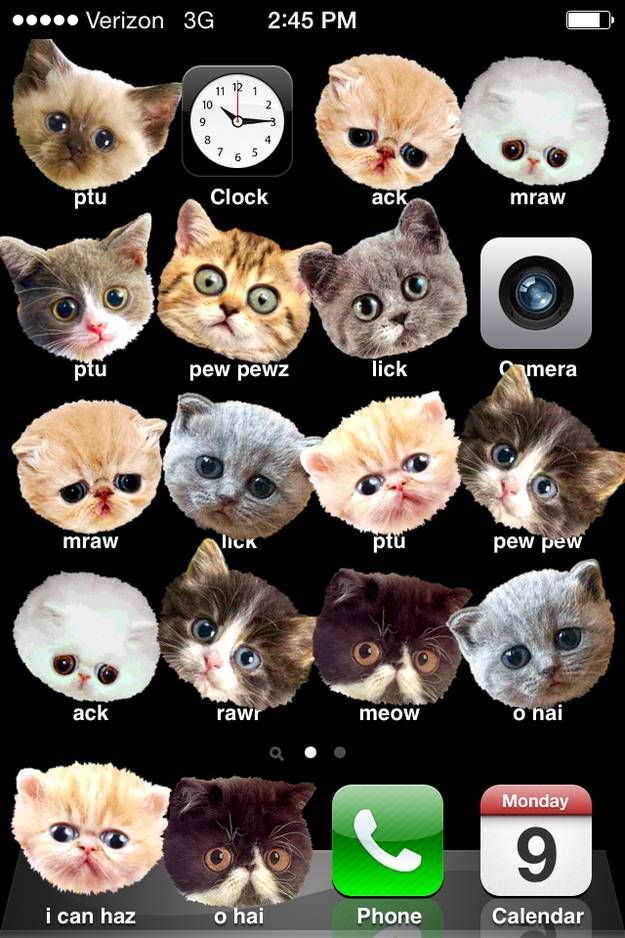
#4 Make Their iPhone a Kitten Frenzy at iphoneception.com
Get a hold of their cell and go to the website and follow the instructions. It's a got a few more options besides for kittens. I prefer the zombies.
advertisement
#5 Change Their Phone's Wallpaper to Something Hilariously Awkward
Changing the wallpaper on your home screen:
Tap and hold on the Home screen to open the Add to Home menu.
Select Wallpapers and choose the type of wallpaper you want to implement. Three options may be available: Gallery, Live wallpapers, and Wallpapers. Note: Live Wallpaper may not be an option on some phones.

advertisement
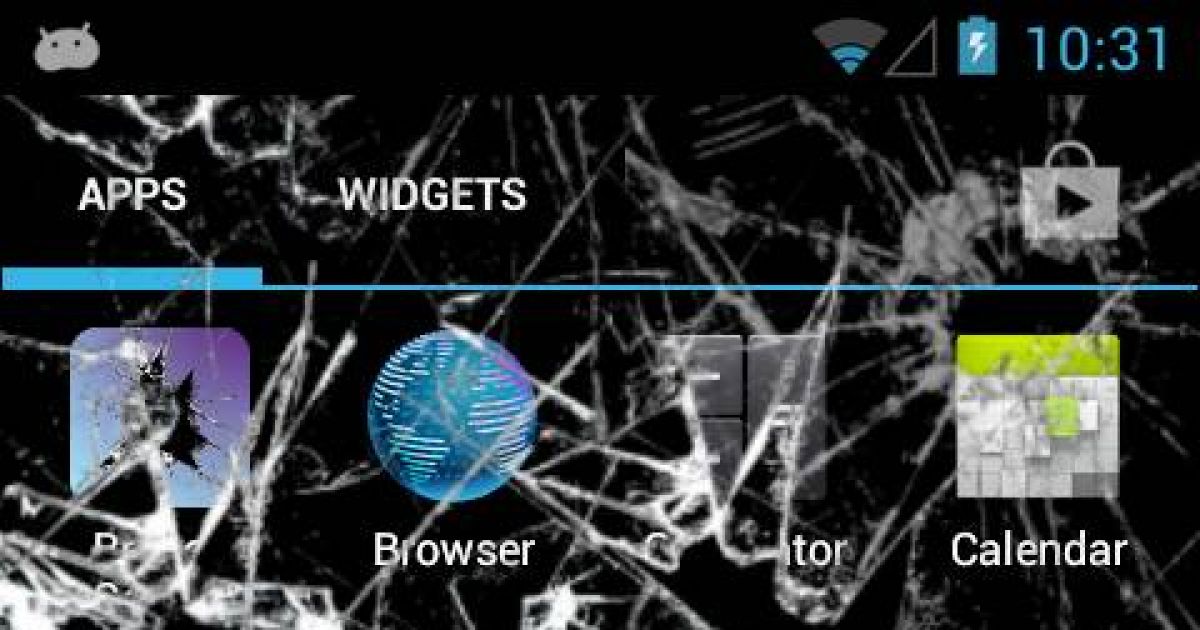
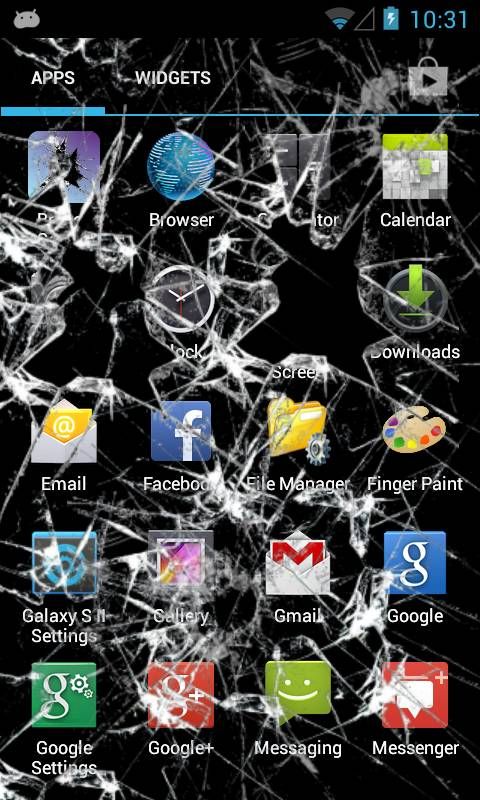
#6 Download the "Crack My Screen" App & Watch Them Panic
This one is easily downloaded in the play stores.
advertisement
#7 Put Clear Tape on Their Mouth Piece or Their Ear Piece So Callers Can't Hear Them!
This one is really simple. Just use clear tape and make sure there are no creases that could make it easily spotted.

advertisement
#8 Leave the Number of Someone You Really Hate in a Fake Craigslist Ad
Save this one for a particularly nasty prank.

advertisement
#9 Outsource Your Unwanted Calls to India
ComedyCalls.com has a great option for a prank or even that person that just can't take the hint that you aren't going to talk to them anymore.

advertisement
#10 Reset Their Alarm to An Ungodly Early Time.
This one is a classic.

advertisement
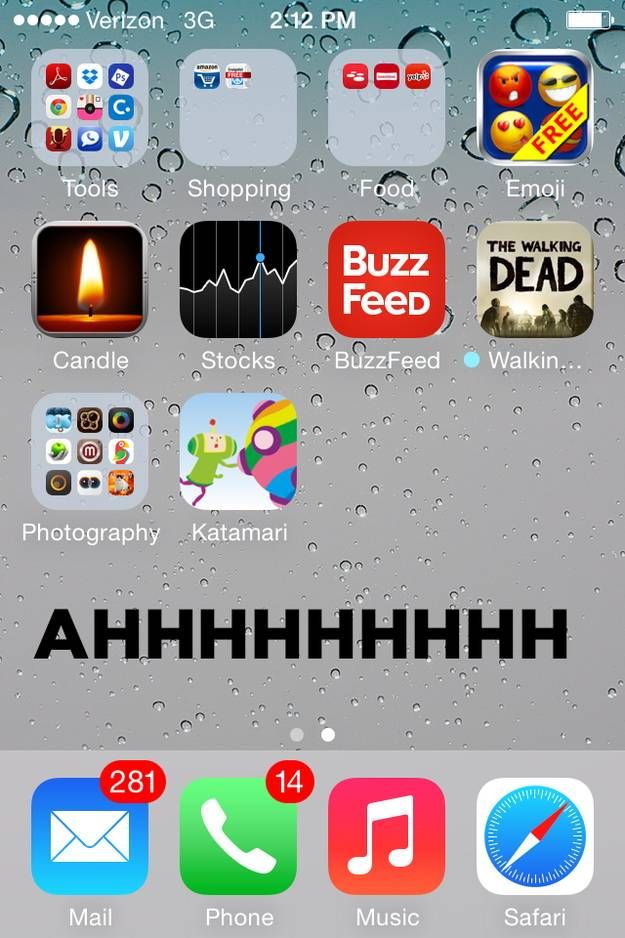
#11 Screenshot Their Home Screen and Set It as Their Wallpaper So No Apps Appear to Respond
In case you aren't a woman in a "complicated" relationship, you may want these instructions on how to take a cell phone screenshot:
For the Android there are various ways to do this, depending upon the particular device and Android version.
Press two physical buttons at the same time for 1-2 seconds.
On most devices running Android 4.0 or later, it will be the Power/Lock and Volume Down buttons.
Otherwise, especially with earlier versions of Android and Samsung devices, it will be the Power/Lock and Home buttons.
On the Kobo Arc 10HD tablet before Android 4.0, it is the
Back (right, bottom) and Home buttons.
After you release both buttons, you will know your screen is "captured" if:
you see a copy of your screen display shrink into a frame. You hear a camera shutter sound (not on all devices), and/or a notification bar appears (on devices with Notification capability).
If no "capture" occurs, try again a few times until you get it right. Sometimes it takes a little practice.
Remember, you must press the two physical buttons at the same time, otherwise it will not work. If you see the result of pressing just one of the buttons (usually the one you pressed first), or no result at all, then you did not press them at the same time. Try it again.
On the Iphone, press and hold the Sleep/Wake button on the top or side of your iPhone, iPad, or iPod touch, then immediately press and release the Home button.
You can find the screenshot in your Photos app. Just select it and set it for the homescreen.
advertisement
#12 Change Your Contact Name to "Mom" and Send Them Awkward Texts
Just edit the contacts!

#13 Create Fake Conversations on Iphonetextgenerator.com and Post Them Online
This website is hilarious! Just insert your own special messages and follow the instructions.

advertisement
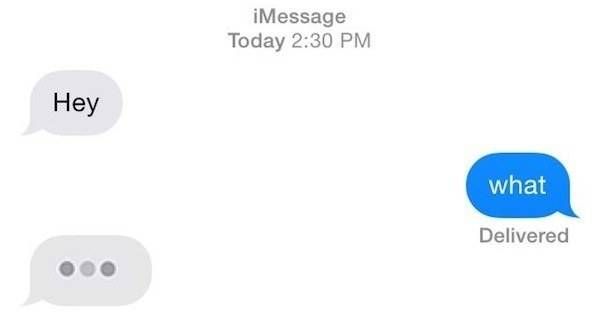
#14 Insert a "Typing" Icon into a Conversation, Then Never Finish It
Alright this one needs the iphone or Facebook messenger to work. First you go here http://miscellaneousmischief.com/textinprogress.html and download the GIF. Next you just insert in the middle of a conversation and have fun.
#15 Log In And Start Messing With Their Facebook Account.
We all know how to do this and you can do it several ways. Change their wall paper and profile pics to weird (but hopefully harmless) pictures. Write a crazy post. Change their privacy settings to that "only me" can see their posts. There are millions of things you can do here.
advertisement
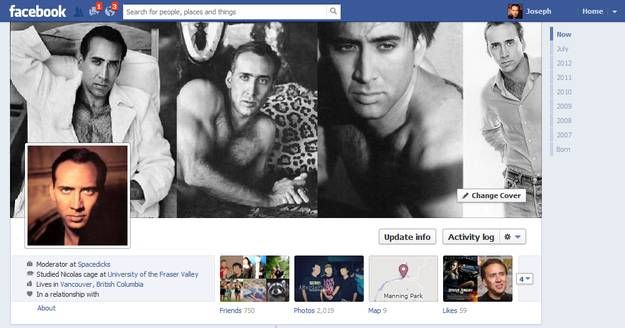
#16 Set Their Public Profiles To This And Just Wait And Watch!
Ahhh, the ultrasound profile. It stirs up all kinds of fun.

#17 Download the Fake Low Battery App So They'll Always Be Desperate for Juice
This app is great and easily found in the stores.

advertisement
#18 Install TalkBack, an App for Blind Users That'll Just Freak Everyone Else Out
Prepare for the unexpected. This app is also easily found in the store.

#19 Change Your Voice and ID Through the MyPhoneRobot Android App
You can get a lot of mileage out of this one.
advertisement
#20 Pick from Hundreds of Prank Calls on prankdial.com
In case you ran out of ideas, here's hundreds more to pick from!