The One Siri Trick Every iPhone User Needs To Know About
By
Editorial Staff in
Facts
On 26th January 2016
Confession: Although I’ve owned an iPhone since the 3G generation, I’ve never made it a habit to use Siri. I think it’s because I always remember things better when I physically write down my own reminders, rather than simply telling someone else to remind me to do them — but even so, there’s one Siri trick that absolutely everyone with an iPhone should know about, regardless as to how often or little they use her. It’s the key to making Siri work for you — by which I mean, it’s how you can figure out exactly which of Siri’s features you do or don’t need in your life. It’s also deceptively simple — so simple, in fact, that I can’t believe I never realized you could do it until now.
Are you ready for this?
OK. All you need to do is…
…Ask Siri, “What can I ask?”
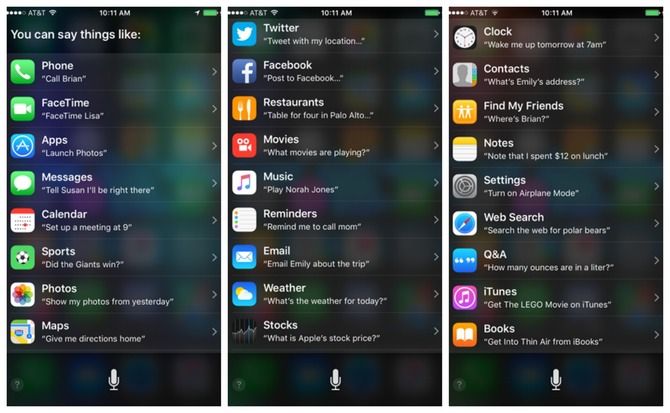
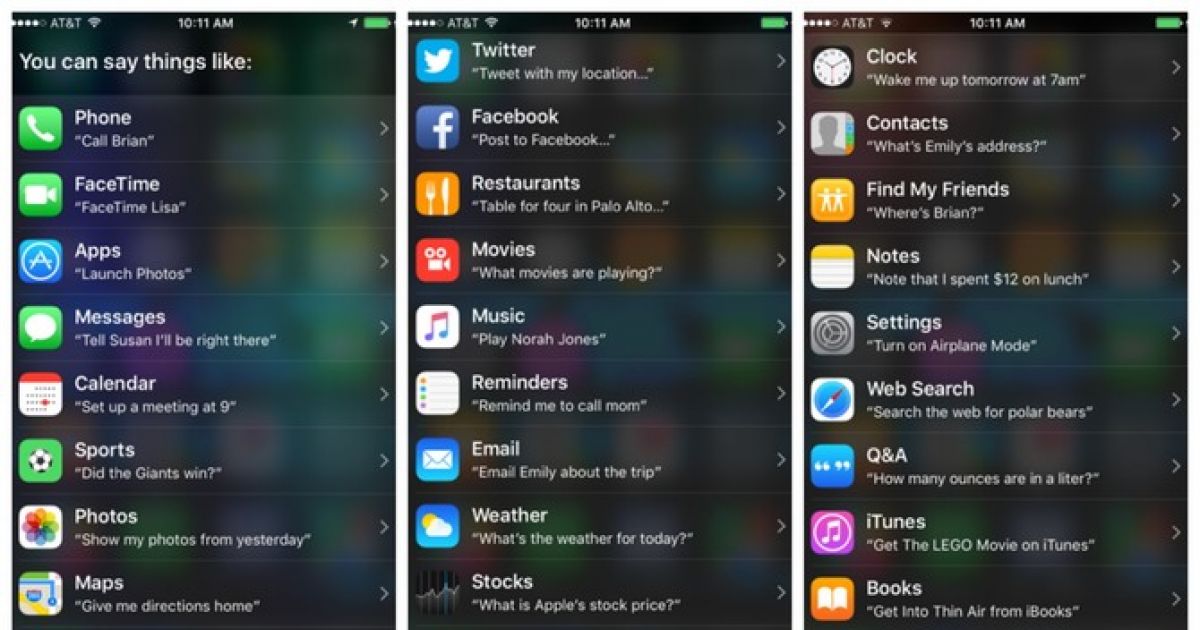
I’m not kidding. Asking Siri exactly what you can ask brings up an almost exhaustive list of, well, all the things you can ask her to do for you. Saying, “Siri, what can you do?” will bring up the same list, so if you’re more into you statements than I statements, you’re totally covered. Whichever way you phrase the question, the results will be divided up into different categories according to function:
#1
There's also an option for podcasts, which did not make it into this image due to the fact that it's the only one that didn't fit within any of the screencaps I just took. Oh, and for the curious, no, I do not know who Brian, Lisa, or Emily are; I don't have anyone with those names stored anywhere in my phone's memory, so it's anyone's guess why they're the default names. Maybe they're Siri's best friends? Who knows.
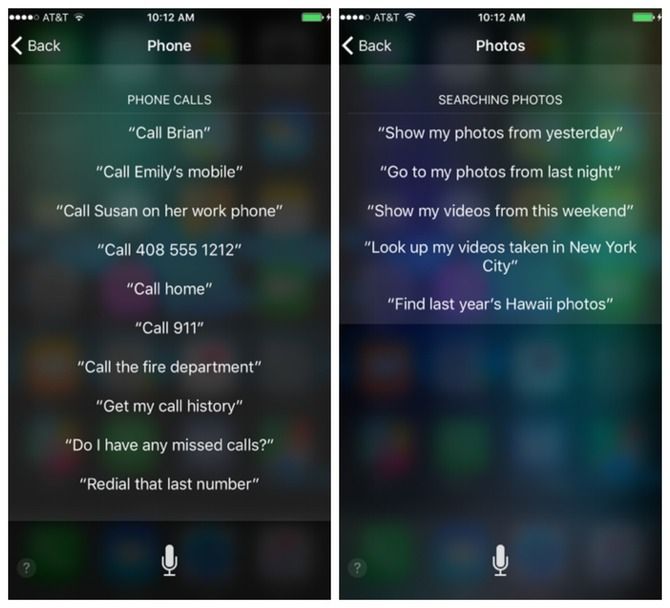
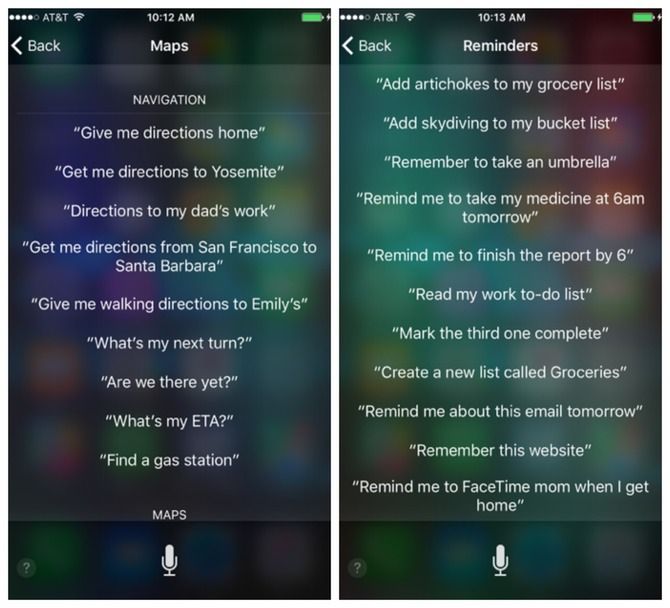
Anyhoo, tapping on any one of those categories brings up a secondary list, this time geared towards highlighting the kinds of queries you make within said category:
#2
These might all seem like highly specific examples, but it might help if you look at them more as templates: Instead of asking Siri to create a new list called Groceries, for example, you could ask her to create one called Embarrassing ‘90s Crushes or Cheeses I Absolutely Need To Eat. The requests and commands are all enormously adaptable, so the possibilities are pretty much endless.
#3
I say "almost exhaustive list" for one reason, however, and one reason alone: It's limited purely to the practical uses of Siri. That means that it doesn't include any of the Easter eggs that make the feature so much fun to play around with. Sad? Kind of but I also kind of enjoy the fact that the only way to find those Easter eggs is by hunting for them (or learning about them from someone else. Siri's not just going to give away all her secrets; she's making us work for them. Figuring them out may not be a huge accomplishment in the grand scheme of things, but, well it's the little things, right?
Now if you'll excuse me, I'm going to go see if Siri's beatboxing skills have improved at all over the past few days.