
You Probably Didn't Know That Your Iphone Headphones Can Do These Amazing Things
#1
As technology continues to advance, us mere humans must try and keep up with the latest and greatest products in the industry. Not everyone is aware of all of the features and benefits available on their tech stuff. Did you know that there your Apple headphones aren't just for listening to music?

#2
In this gallery you will learn a few new tips and tricks when you are using the new Apple headphones. Hopefully by the end of this gallery you will get the most out of them. They're not just for music anymore!

#3 Answering multiple calls.
Have you ever been on the phone with someone and then all of a sudden you get another call? In order to switch from call number one to call number two, all you have to do is click on the center button on the headphones! This puts the first caller on hold while you talk to second caller.

#4 Skipping songs.
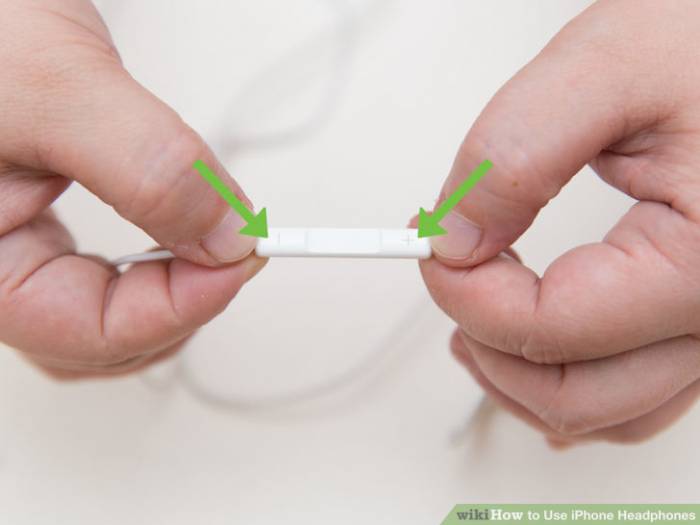
Even though your phone is filled with all of your favorite songs, sometimes you just want to skip the repetitive ones. In order to skip a track, just double-click the center button.
#5 Song and video play.
The center button seems to be filled with a ton of magic! It pretty much holds all the power when you need to listen to music.
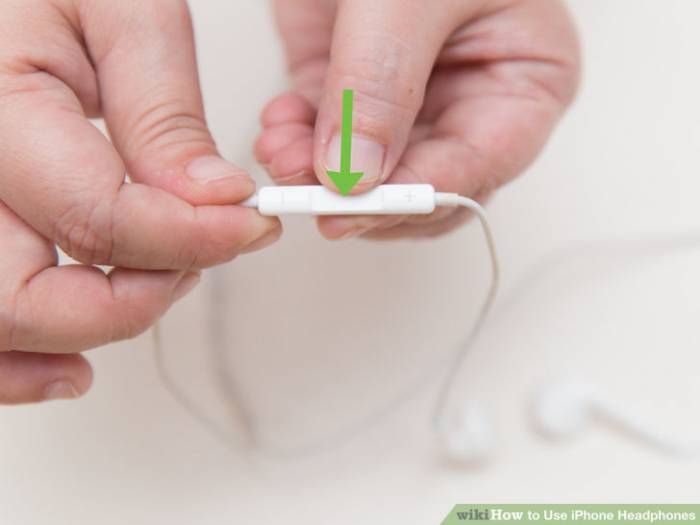
When you're listening to your jams on the street and someone asks you for directions, you're going to need to quickly pause your song. In order to start and/or stop a video or a song, just click the middle button.
#6 Siri.
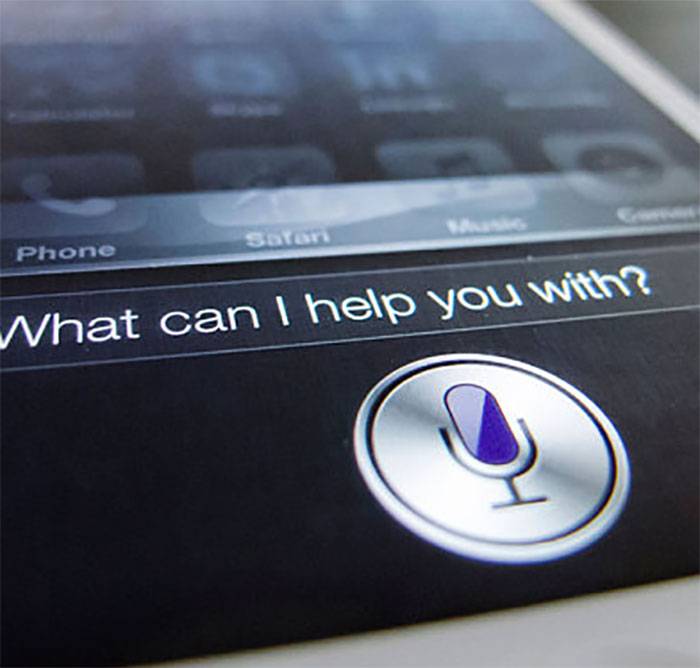
For all of the iPhone users out there, you can now access Siri using just your headphones. Hold the center button and your favorite personal assistant will activate.
#7 Take a picture.
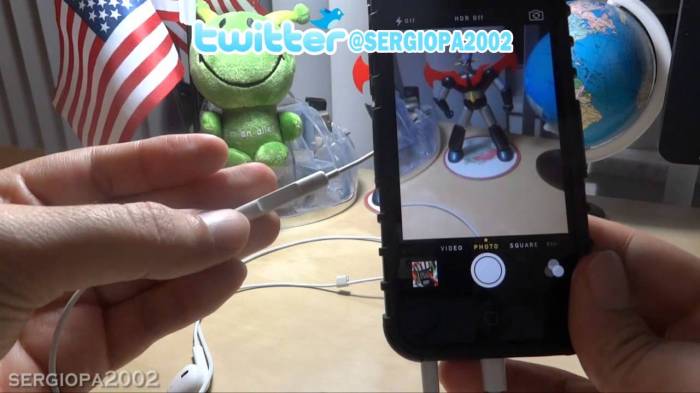
When you're trying to grab the perfect selfie, it can be a bit difficult clicking on the button.
Your hand moves and the photo comes out blurry. Now your headphones can act like a remote! Click on one of the volume buttons to snap a photo!
#8 Go back.
We know that one click starts and/or stops a song, two clicks skips a song, but what does three clicks do? It goes back to the beginning of a song!

#9 Fast-forward.
A double click may skip a song, but what if you just want to fast forward in a song?
To speed through a song without actually skipping to the next one, all you have to do is double click and HOLD the center button.

#10 Ignore a call
If your friend is spilling the tea and you get another call, you might not want to pick up. This phone conversation is just too good! To ignore an incoming call just hold the center button for two seconds.