13 Reasons Your iPhone Keeps Running Out Of Battery!
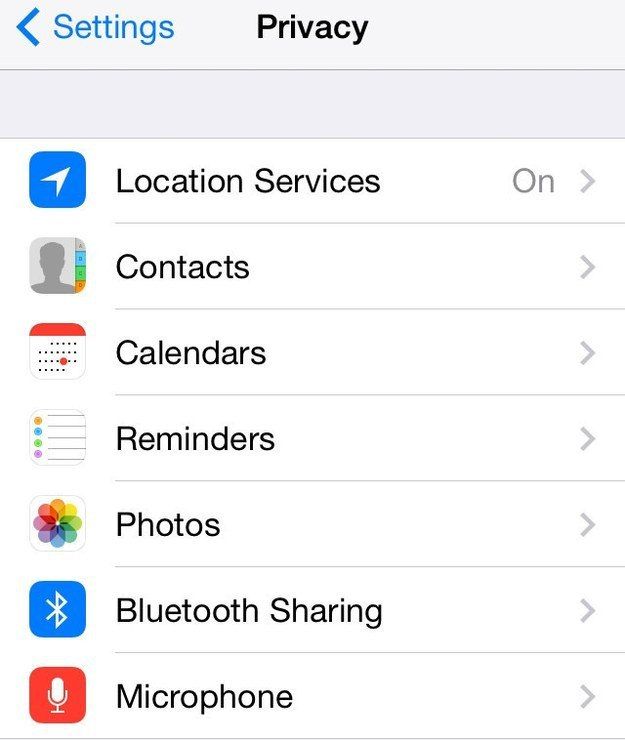
#1 You're not limiting your location services
Go to Settings > Privacy > Location services.
Here you'll find a whole load of apps that are using GPS to update your location. It's useful for something like Find my iPhone, but the chances are there are a whole load of other apps that don't need it and are draining your battery.
#2 You've got Fetch running
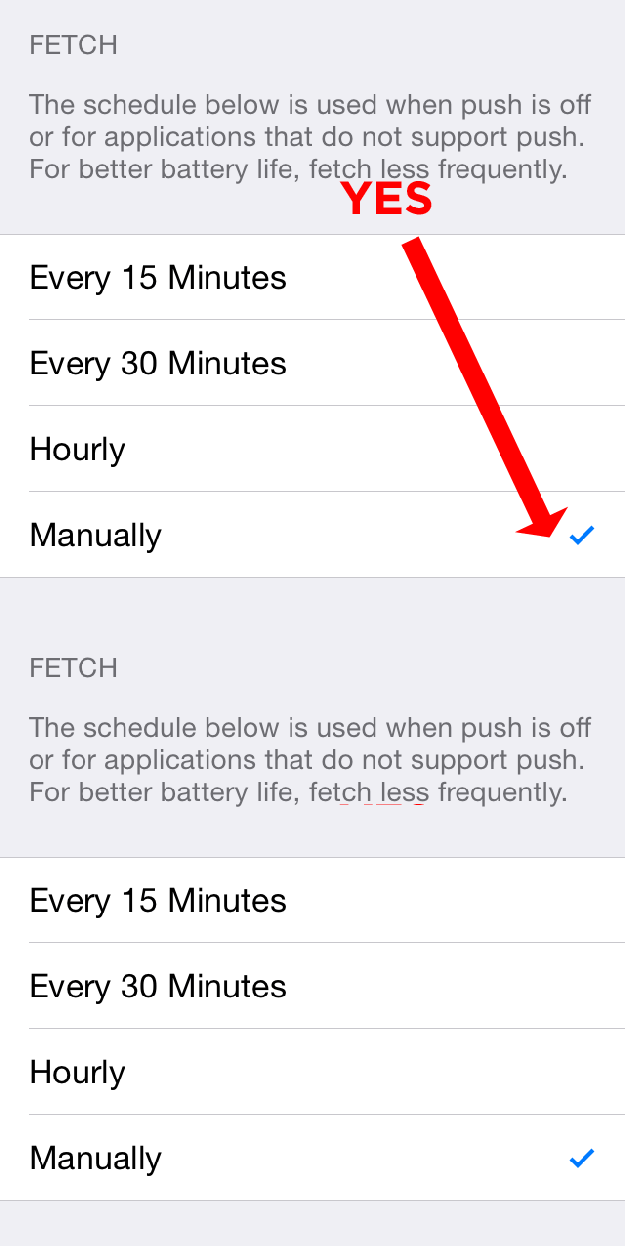
Settings > Mail, Contacts, and Calendars > Fetch New Data > Manually
At the moment, your iPhone is checking to see if you have new updates for mail, calendars, and contacts and it's taking a toll on the battery.
#3 You've got parallax running
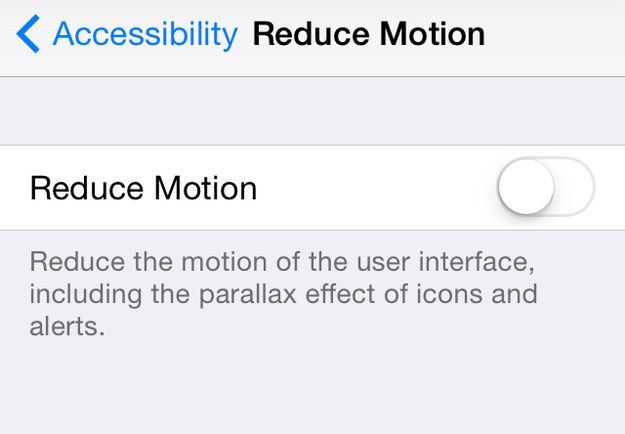
Settings > General > Accessibility > Toggle Reduce Motion on.
This is the feature that make it look like apps are floating above the background when you move the phone. It looks pretty, but it drains battery.
#4 Your screen is too bright
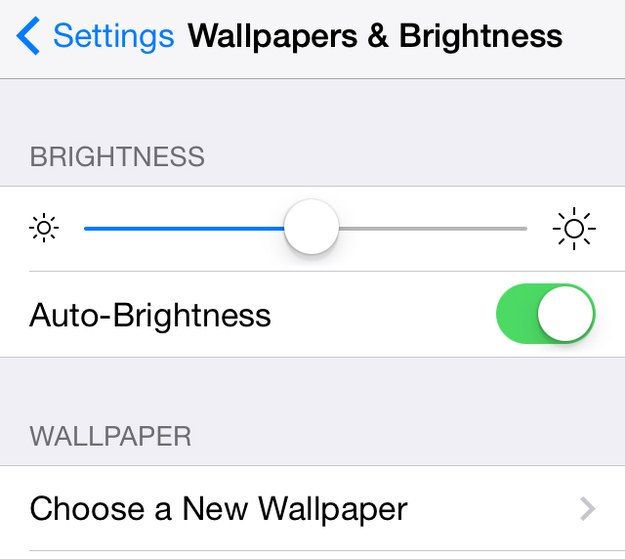
Settings > Wallpapers & Brightness > Tone it down a bit. You can also do this by flicking up from the bottom of the screen.
And while you're at it, toggle off Auto-Brightness.
#5 You're doing WIFI wrong
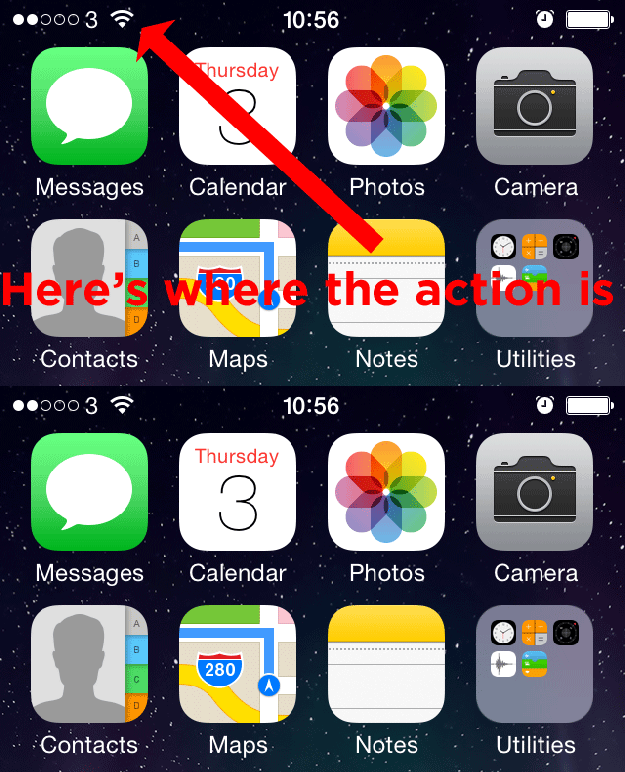
Make sure you don't use the cell network unless you have to.
DO NOT listen to people who say you should switch off Wi-Fi (swipe up to bring up the control centre and press the Wi-Fi button) when you're not using it UNLESS you've fiddled with other settings or have also turned off cellular data because apps and services will attempt to use your GPS signal in place of normal Wi-Fi.
#6 You've got automatic downloads turned on
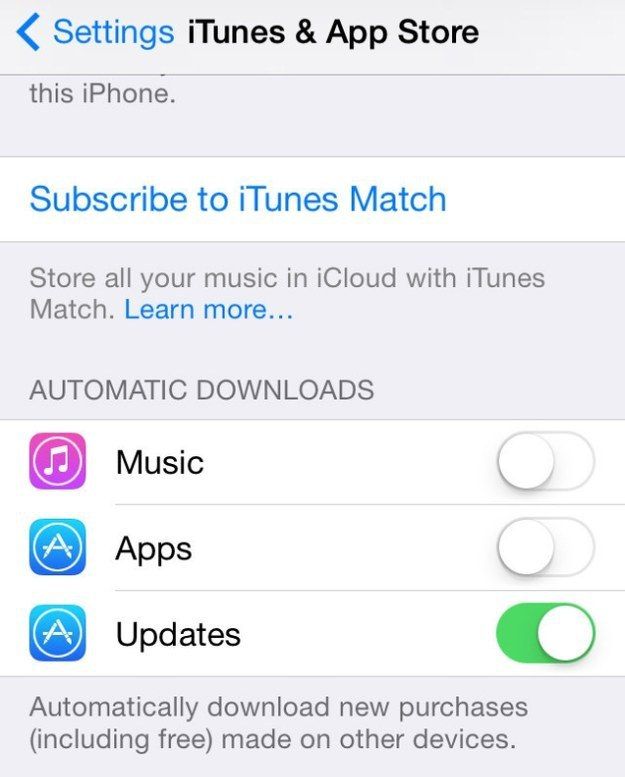
Settings > iTunes and App store
It's a handy feature that allows purchases you've made elsewhere appear on your phone without having to update. But if you want to preserve your battery, better to have it off.
#7 Too much on your spotlight search
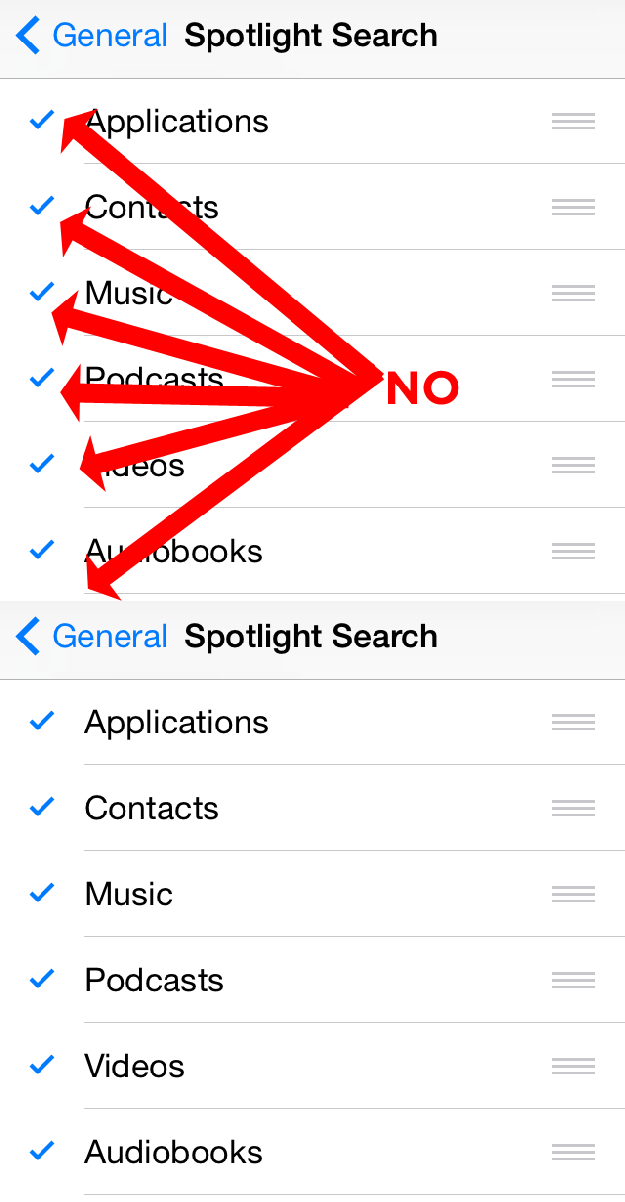
Settings > General > Spotlight Search
This is the index of the whole iPhone you get by swiping down from the middle of the home screen. Chances are you don't regularly use it.
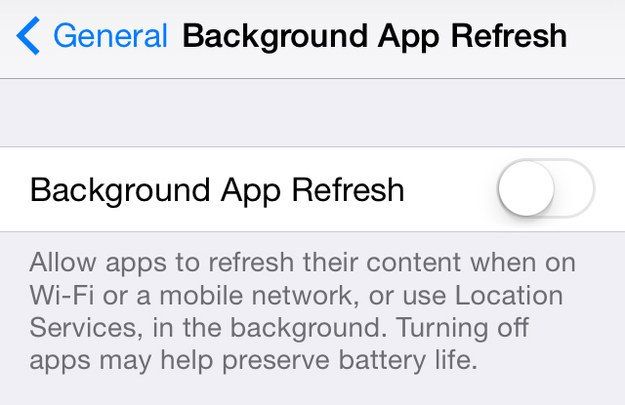
#8 Your background app refresh is running
Find this under Settings > General. You can switch it off for all services or just some of them
#9 Push notifications on too many apps
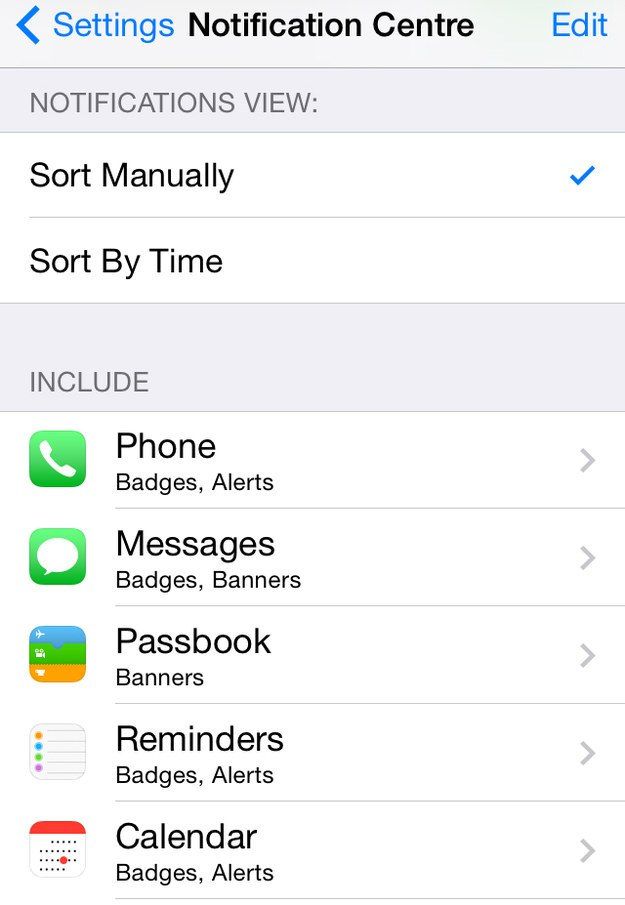
Settings > Notification Centre > Switch Show in Notification Centre Off for each app.
These are the pings you receive after getting a notification or an app update.
#10 You're not closing/deleting apps you don't need
You'd be surprised how many people don't know about this. Double tap the main button then swipe up to close them down. It will save battery, but this is contingent on your use of Background App Refresh (see point 10).
If you're never using them again, then delete them: Hold down till they wobble and press the cross.
#11 You're not using airplane mode enough
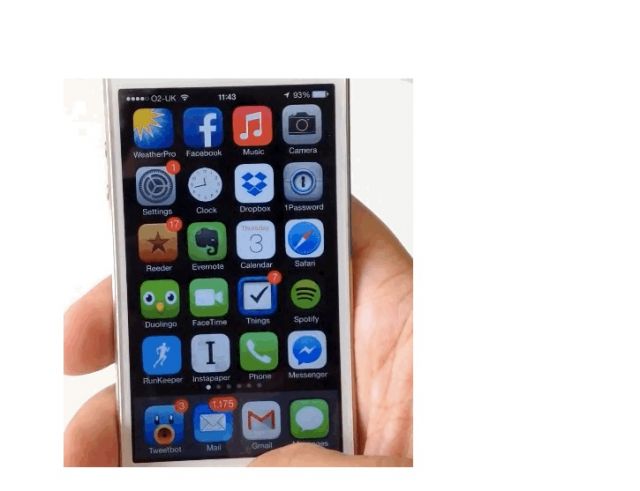
If you're not using internet and you're in a low-coverage area with the phone dipping in and out of the signal, then swipe up to bring the control centre and put a stop to things.
#12 You haven't toggled off airdrop
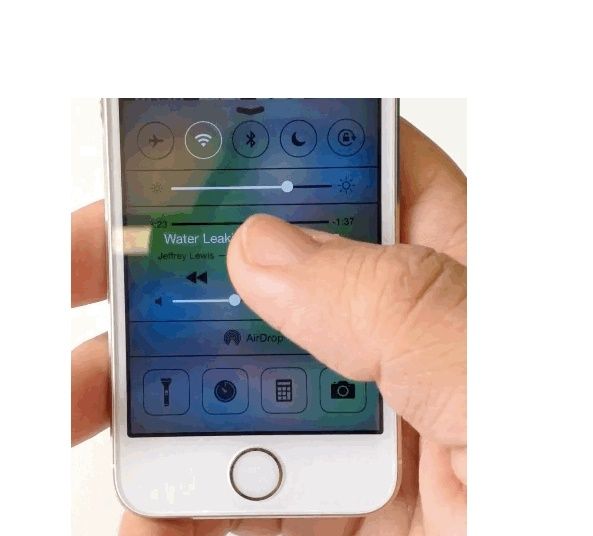
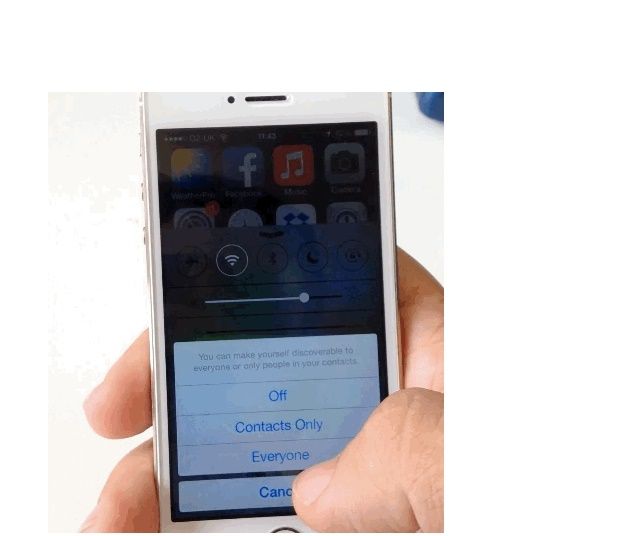
This is a new iOS7 feature that lets users share documents and other info with other devices. If you leave it on, it'll keep looking for devices to link with. Use the control centre to disable.
#13 You refuse to put that thing down!
Oh. OH.