Every person has a smartphone in their pocket. However, there are many people who don't know about all the incredible things these Android phones are actually capable of.
Let's take a look at these amazing secret android features.


Every person has a smartphone in their pocket. However, there are many people who don't know about all the incredible things these Android phones are actually capable of.
Let's take a look at these amazing secret android features.
People with poor eyesight often have no idea how much this feature can help them. Just go to Settings -> Accessibility -> Magnification gestures. Then you’ll be able to zoom in on any part of the display just by tapping it.

There are many situations when you want to use your gadget without using hands. However, there’s a solution for this! After installing a free app called EVA Facial Mouse you’ll be able to control your Android device with movements of your head!
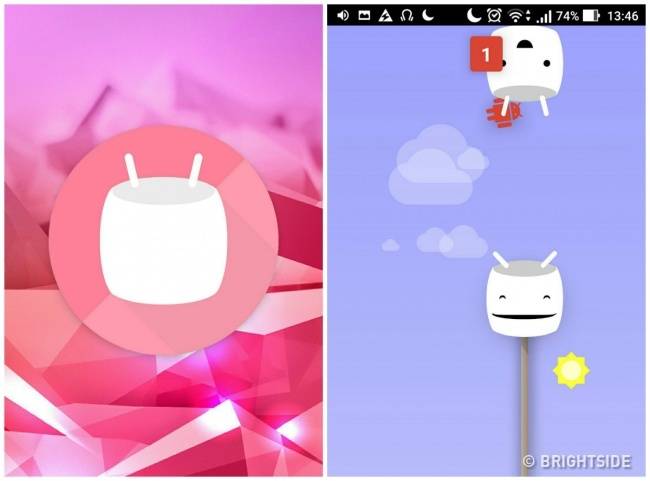
Google puts a small secret present for users into all their devices. First, go to Settings and choose About phone or About tablet. Quickly tap Android version several times, and when a small marshmallow shows up on the screen, quickly tap it again, and a special mini-game will open.
If you choose a black or a simple dark background for your screen, the automatic pixel highlighting will turn off, and you’ll notice that your device keeps its charge for much longer.
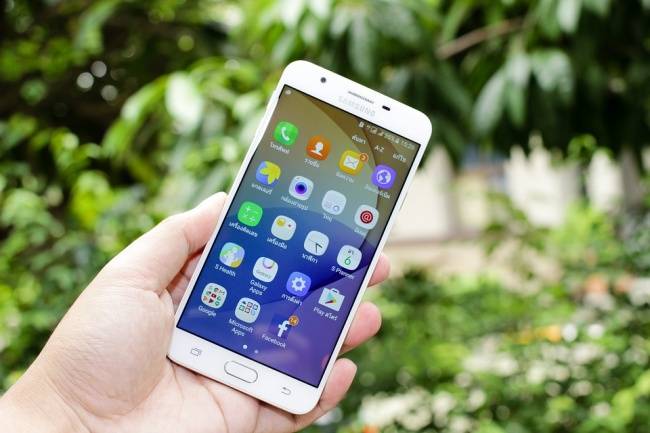
Not only you can read this article, but you also can listen to it if you have an Android device. Just go to Settings and turn on the Text-to-Speech Output option.

If you lose your smartphone, you can locate and block it without losing your data. Just go to Settings -> Security -> Device administrators, and check the boxes next to Android Device Manager, Remotely locate this device, and Allow remote lock and erase.
If you temporarily give your phone to another person and want to keep your personal data safe simply use Guest Mode.

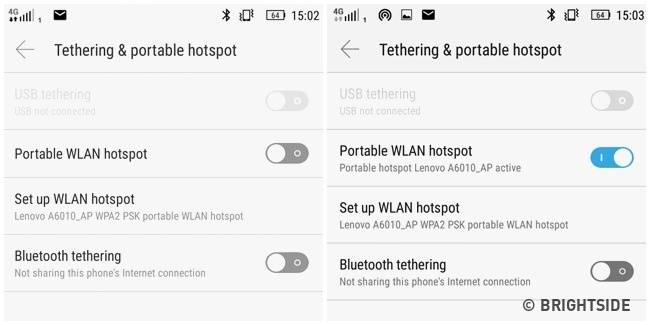
You don't need to buy a separate 3G modem or a router to use the Internet on different devices because your android phone can do this easily. Simply go to Settings -> Tethering and portable hotspot, and turn on the Portable WLAN hotspot.