Keyboards have 12 Function Keys and they are there for shortcuts which everyone should know. So today We will learn the actions associated with F1 to F12, Single and in combination with keys like Alt, Ctrl and Shift. Check it Out!

F1 to F12: Time-Saving Function Key Shortcuts Everyone Should Know
By
Editorial Staff in
Science and Technology
On 17th December 2016
advertisement
#1 The Help Screen (F1)
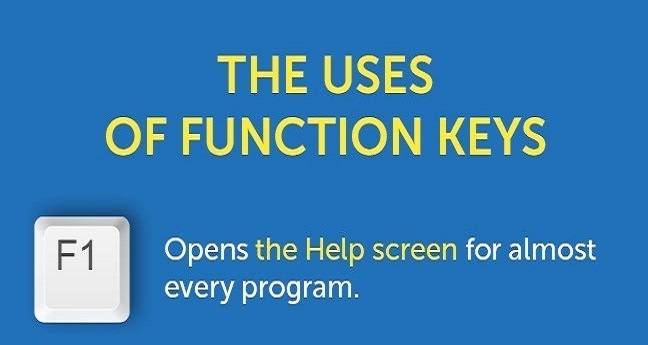
#2 Rename any Selected File or Folder (F2)

advertisement
#3 Search Feature (F3)

#4 Close Active Window (F4)

advertisement
#5 Most Common Key : Refresh or Reload (F5)

advertisement
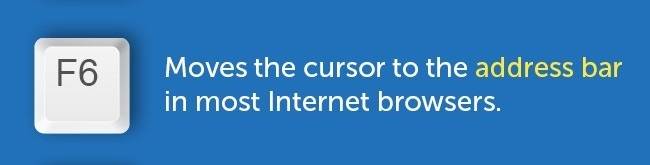
#6 Address Bar (F6)
advertisement
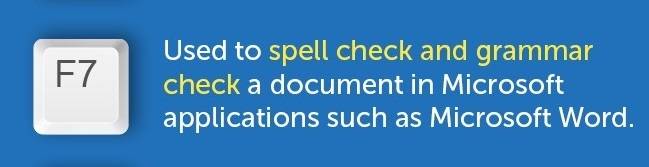
#7 Spell Check And Grammar Check (F7)
advertisement
#8 Access The Boot Menu (F8)

advertisement
#9 Refreshes a Document in MS Word & MS Outlook Tool (F9)

advertisement
#10 Activate The Menu Bar (F10)

advertisement
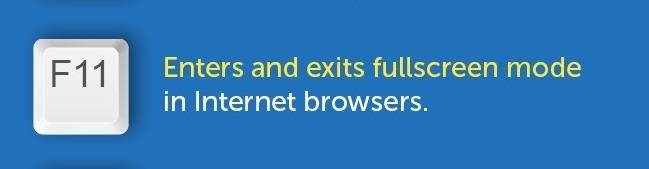
#11 Enter and Exits Full-screen Mode (F11)
advertisement
#12 Save as Dialog Box (F12)