This 5 Second Trick Will Speed Up Your Slow iPhone, And It’s So Easy
#1
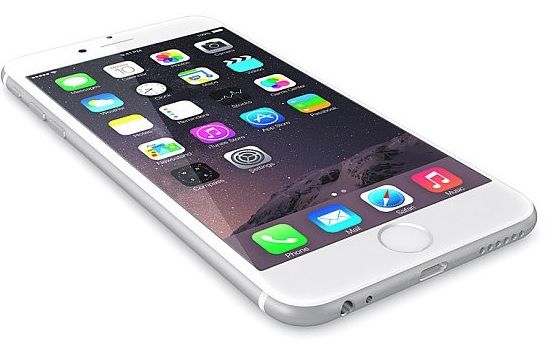
Don't say we never post anything useful! I tried this simple trick and it sped up my phone no end. If, like me, you have an older handset then you will know that it can slow right down. But why is that? Well it has something to do with your App Store's memory. Apparently it stores loads of updates and temporary files. What you need to do is get rid of these.
#2
Open up the App Store on your phone then tap on any of the bottom buttons (Featured, Top Charts, Explore, Search or Updates) ten times. Your screen will go white for a couple of seconds then return to the home screen.
That's you done, it's as simple as that.

#3
This clever trick was uncovered by developer Zachary Drayer, who posted the solution on Twitter, in response to a query from Austrian designer Peter Steinberger.
Thanks for sorting us out with that handy tip Zachary. If you're in need of a new phone check out the incredible features that are now in development on the I-Phone 7.